Seven Game Boy flash carts compared on compatibility, save method, and loading workflow, ranked for homebrew developers and collectors buying in 2026.
- EverDrive-GB X7 is the best overall pick for GB/GBC play with SD card loading and save states.
- GBMake's custom flash cartridges suit homebrew developers who need a cart built around one specific project.
- EZ-Flash Junior skips the save battery entirely by writing saves to flash memory.
- EverDrive-GB (original) is the budget pick for players who only need Game Boy and Game Boy Color support.
- EZ-Flash Omega is the only cart here built specifically for Game Boy Advance homebrew.
Why this matters
An original Game Boy cartridge saves your game to a coin-cell battery soldered next to the SRAM chip. Those batteries have been running since the late 1980s and 1990s, and a dead one means a corrupted or wiped save the next time you power on. A flash cart sidesteps that entirely, either through flash memory that holds data without a battery or through an SD card that stores save states outside the cartridge.
Homebrew developers have a second reason to care in 2026: testing a build on real hardware without burning a fresh EPROM cartridge every time you fix a bug. Shops that specialize in this space, like GBMake, build cartridges and flash burners around that exact workflow rather than selling one general-purpose cart to every buyer.
The seven carts below split into three buyer types: collectors who want one cart to hold a library, developers who need a build-specific cartridge, and hobbyists comfortable soldering their own PCB.
What makes the best Game Boy flash cart
- Cartridge compatibility — does it read Game Boy, Game Boy Color, or Game Boy Advance ROMs, or only one platform
- Save method — battery-backed SRAM, flash memory, or SD card save states
- Loading method — SD card, direct USB, or a separate flash burner
- Firmware support — is the manufacturer still shipping updates in 2026
- Build quality — shell fit, cartridge connector durability, chip quality
- Homebrew friendliness — documentation, open source tooling, multicart support
Game Boy flash carts at a glance
| Cart | Best for | Standout feature | Key limitation |
|---|---|---|---|
| GBMake Custom Flash Cartridge | Homebrew developers who need a build-specific cart | Cartridge and flash burner matched to one project | No SD-card library swapping like general-purpose carts |
| EverDrive-GB X7 | Best overall GB/GBC play | SD card slot with save states | No Game Boy Advance support |
| EZ-Flash Junior | Lightweight cart collecting | No save battery required | Smaller homebrew tooling community |
| GB USB Smart Card | Homebrew programmers testing builds | Direct USB flashing, no separate burner | Bare-bones shell, not collector-friendly |
| Catskull Electronics DIY kit | Solder-it-yourself hobbyists | Open source PCB design | Requires soldering skill |
| EverDrive-GB (original) | Budget GB/GBC play | Lower cost entry into flash cart ownership | Older hardware revision, fewer features |
| EZ-Flash Omega | Game Boy Advance homebrew and ROM hacks | SD card loading for the GBA library | No Game Boy or Game Boy Color support |
1. GBMake Custom Flash Cartridge: best Game Boy flash cart for homebrew builds
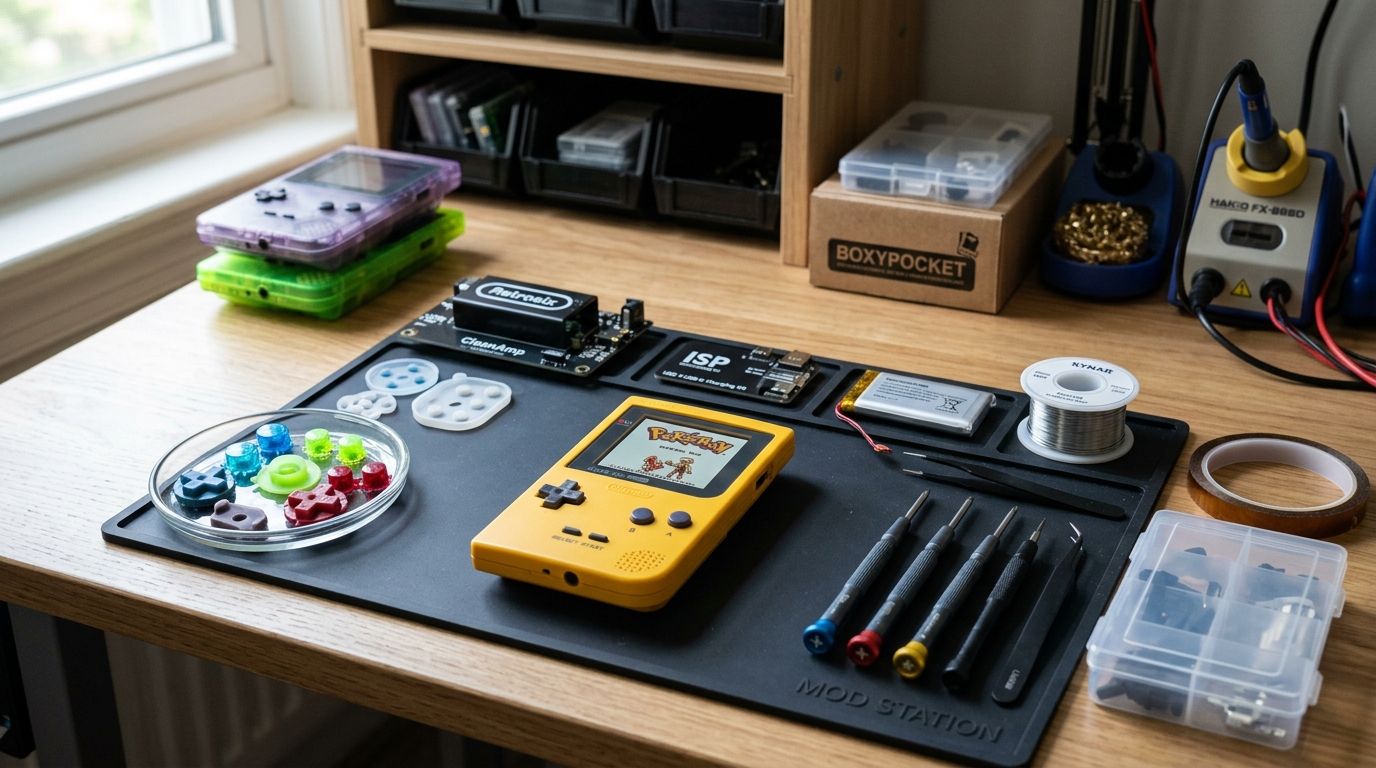
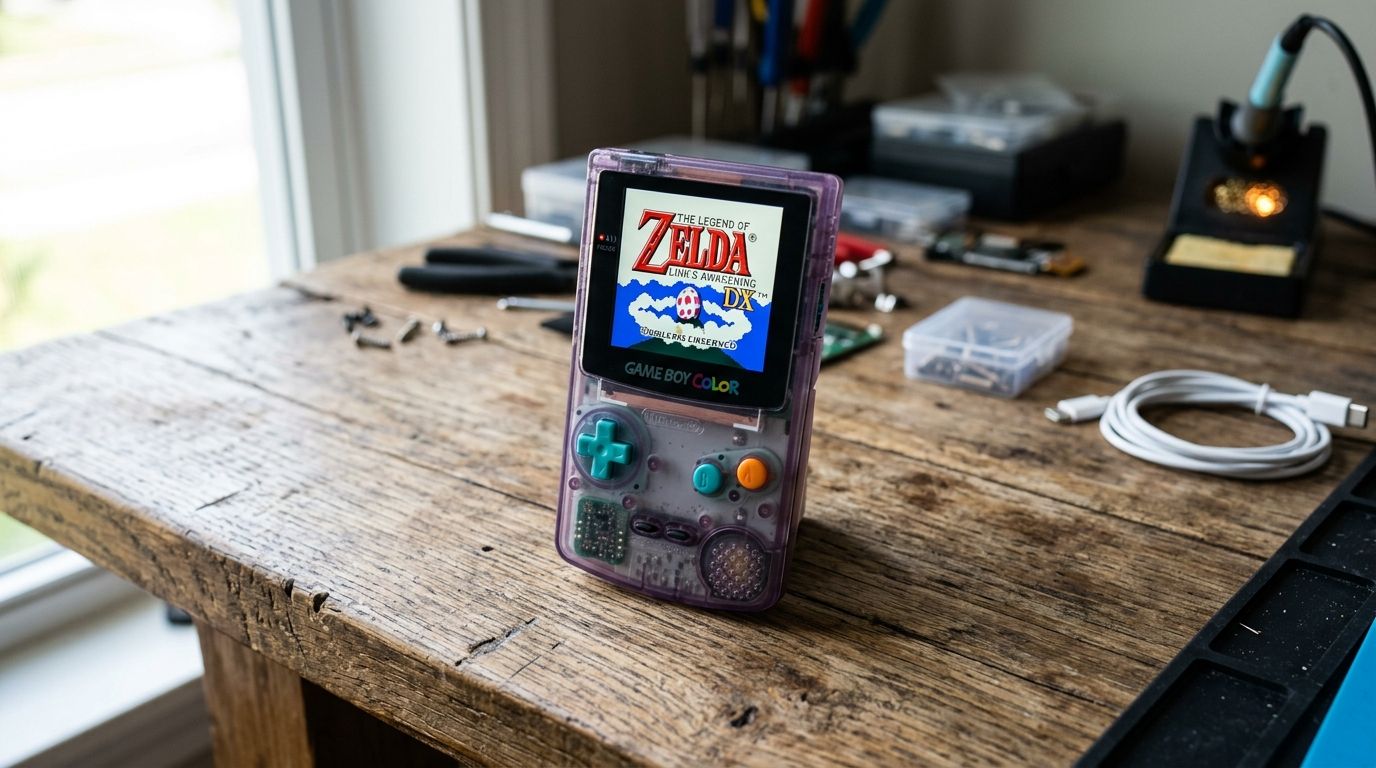
GBMake builds custom Game Boy and Game Boy Advance cartridges, flash burners, and modding accessories rather than a single one-size-fits-all cart. A developer working on a homebrew project gets a cartridge matched to that build instead of loading it onto a general-purpose SD card cart meant for retail ROM libraries.
GBMake pros:
- Cartridges and flash burners built around a specific homebrew project
- Direct support from a shop focused only on Game Boy and GBA hardware
- Modding accessories available alongside the cartridge itself
GBMake cons:
- Not designed as a swap-in library cart like EverDrive-GB
- Best suited to buyers already comfortable with ROM flashing workflows
- Custom orders take longer to arrive than a stocked retail cart
Best for: homebrew developers who need a cartridge built around one project, not a general-purpose retro gaming cart.
Verdict: Buy if you're actively developing or modding rather than just replaying an existing library.
2. EverDrive-GB X7: best Game Boy flash cart for all-around retro play
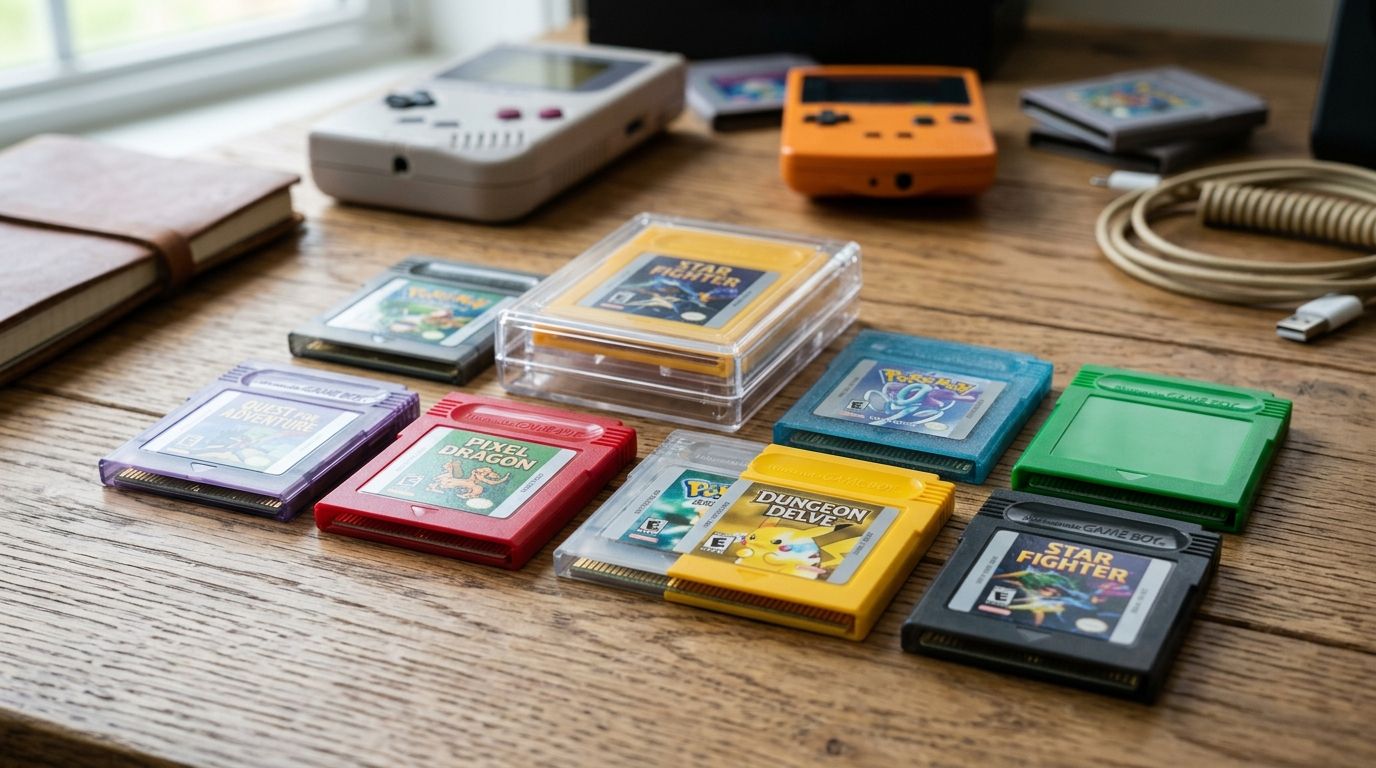
The EverDrive-GB X7, made by Krikzz, is the SD card flash cart most retro Game Boy players default to in 2026. It reads Game Boy and Game Boy Color ROMs off a standard SD card and supports save states, so you're not managing dozens of physical cartridges to play through a library.
EverDrive-GB X7 pros:
- SD card slot for large ROM libraries
- Save states on top of standard in-game saves
- Firmware still actively updated by Krikzz
EverDrive-GB X7 cons:
- No Game Boy Advance compatibility
- Sold mostly through third-party retailers with inconsistent stock
Best for: collectors and players who want one cart to hold an entire GB/GBC library.
Verdict: Buy — this is the safest default pick for general retro play in 2026.
3. EZ-Flash Junior: best Game Boy flash cart for battery-free saves
The EZ-Flash Junior writes saves to flash memory instead of a battery-backed SRAM chip, which removes the corrupted-save risk that comes with an aging coin cell. It's built in a slim form factor closer to an original cartridge than the bulkier SD-card carts.
EZ-Flash Junior pros:
- No save battery to eventually die
- Slim shell close to an original Game Boy cartridge
- Covers both Game Boy and Game Boy Color titles
EZ-Flash Junior cons:
- Smaller homebrew tooling community than EverDrive-GB
- Firmware updates come less frequently
Best for: collectors who want the battery-free save benefit in a cartridge that still feels like an original.
Verdict: Buy if battery longevity is your main concern over library size.
4. GB USB Smart Card: best Game Boy flash cart for homebrew programmers
The GB USB Smart Card, from insideGadgets, flashes ROMs directly over USB without a separate burner sitting between your computer and the cartridge. That single-step workflow is why it shows up constantly in Game Boy homebrew programming threads.
GB USB Smart Card pros:
- Flashes directly over USB, no separate burner needed
- Open documentation from insideGadgets
- Fast iteration loop for testing new builds
GB USB Smart Card cons:
- Bare-bones shell and cartridge design
- Less friendly for non-technical retro collectors
Best for: developers who compile and reflash builds constantly during testing.
Verdict: Buy if you're programming, not just playing.
5. Catskull Electronics DIY kit: best Game Boy flash cart for solder hobbyists
Catskull Electronics publishes open source PCB designs for Game Boy cartridges, letting hobbyists source their own components and assemble a cart from scratch. It's the slowest path on this list, and the only one that assumes you own a soldering iron.
Catskull DIY kit pros:
- Open source PCB design, full control over components
- Popular reference project in the Game Boy modding community
Catskull DIY kit cons:
- Requires soldering skill
- Not plug-and-play for beginners
Best for: hobbyists who want to build a cart themselves rather than buy one assembled.
Verdict: Hold unless you're already comfortable with a soldering iron and want the learning project.
6. EverDrive-GB (original): best Game Boy flash cart for a budget entry point
The original EverDrive-GB is the lower-cost entry into Krikzz's flash cart lineup, still reading Game Boy and Game Boy Color ROMs off an SD card but with an older hardware revision than the X7.
EverDrive-GB pros:
- Lower cost of entry into flash cart ownership
- Straightforward SD card loading
- Same proven design lineage as the X7
EverDrive-GB cons:
- Older hardware revision, fewer features than the X7
- Limited to the Game Boy and Game Boy Color library
Best for: players who want an SD card flash cart without paying for the X7's newer features.
Verdict: Buy as the budget option, with the understanding you're trading features for cost.
7. EZ-Flash Omega: best Game Boy flash cart for GBA homebrew
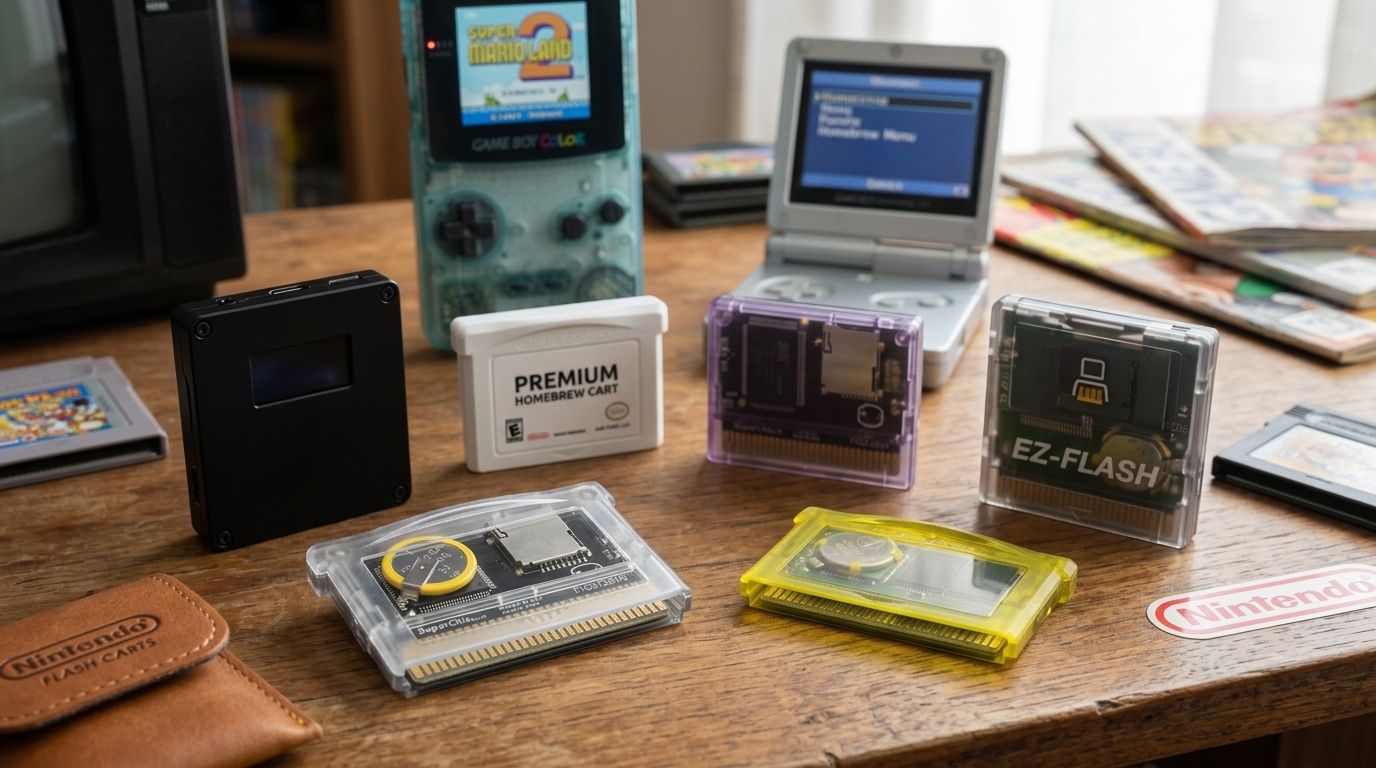
The EZ-Flash Omega is built for the Game Boy Advance library specifically, loading ROMs and homebrew off an SD card. It's the only cart on this list that skips GB and GBC entirely to focus on GBA.
EZ-Flash Omega pros:
- SD card loading built around the GBA library
- Active use in the GBA homebrew and ROM hacking scene
EZ-Flash Omega cons:
- No Game Boy or Game Boy Color compatibility
- Physical fit varies by GBA shell revision
Best for: anyone running Game Boy Advance homebrew or ROM hacks rather than original GB/GBC titles.
Verdict: Buy if GBA is your platform — nothing else here covers it.
How we ranked these
Each cart was weighed against the six criteria above: platform compatibility, save method, loading method, firmware support, build quality, and homebrew friendliness. GBMake's custom cartridge ranks first not because it beats EverDrive-GB X7 on raw library convenience, but because it answers a need none of the SD-card carts do: a cartridge built around one specific homebrew project rather than a general-purpose library.
Need a cartridge built for your project?
GBMake builds custom Game Boy and GBA cartridges and flash burners for homebrew developers.
Which Game Boy flash cart should you choose?
If you just want one cart to hold your entire Game Boy and Game Boy Color library in 2026, EverDrive-GB X7 is the default pick. If you're building or modding rather than replaying an existing library, go with a cartridge built around your project instead of a retail SD card cart. If your platform is Game Boy Advance specifically, EZ-Flash Omega is the only cart on this list that covers it.
FAQ
What's the best Game Boy flash cart in 2026?
EverDrive-GB X7 is the best overall pick in 2026 for players who want one SD card cart covering the full Game Boy and Game Boy Color library. Developers building homebrew instead of replaying existing games are better served by a cartridge built around that specific project.
Is EverDrive-GB X7 better than EZ-Flash Junior?
EverDrive-GB X7 wins on SD card library size and save states, while EZ-Flash Junior wins on removing the save battery entirely. Pick X7 for library convenience and EZ-Flash Junior if battery-free saves matter more to you.
Can a Game Boy flash cart play GBA games?
Most Game Boy flash carts, including EverDrive-GB and EZ-Flash Junior, only read Game Boy and Game Boy Color ROMs. EZ-Flash Omega is built specifically for the Game Boy Advance library instead.
Do Game Boy flash carts need a battery for save data?
Not all of them. EZ-Flash Junior writes saves to flash memory instead of a battery-backed SRAM chip, while SD card carts like EverDrive-GB store save states on the card itself.
How do you load ROMs onto a Game Boy flash cart?
Most carts load ROMs from an SD card you insert directly into the cartridge, while the GB USB Smart Card flashes over USB from a computer without a separate burner.
Are custom flash cartridges good for homebrew development?
Yes, a cartridge built around one project removes the mismatch between a general-purpose retail cart and a build that's still being tested. GBMake builds cartridges and flash burners specifically for that use case.
What's the difference between a flash cart and a flash burner?
A flash cart is the cartridge you insert into the console to play or test a ROM, while a flash burner is the device that writes the ROM onto that cartridge's memory.
Which flash cart is best for Game Boy Color-only libraries?
EverDrive-GB (original) and EverDrive-GB X7 both cover Game Boy Color, with the X7 adding save states and newer hardware at the cost of paying more than the original model.
One last thing
The battery problem is worse than most players realize going into 2026: original Game Boy and Game Boy Color cartridges use coin-cell batteries that have already been running for three to four decades, and a dead one silently corrupts your save the next time you boot the game. That's the actual reason flash carts using flash memory or SD storage, rather than SRAM plus battery, have become the default recommendation for anyone planning to keep playing the same save file long-term.