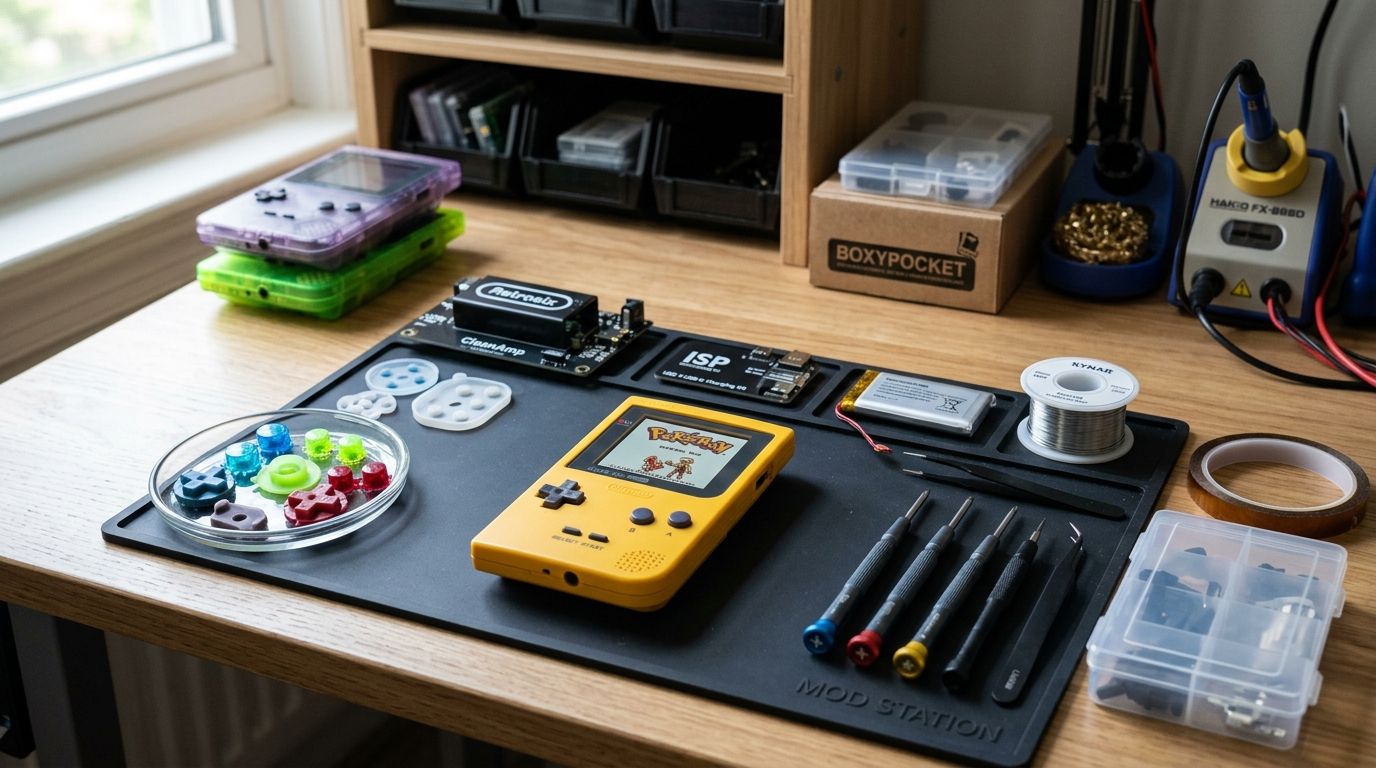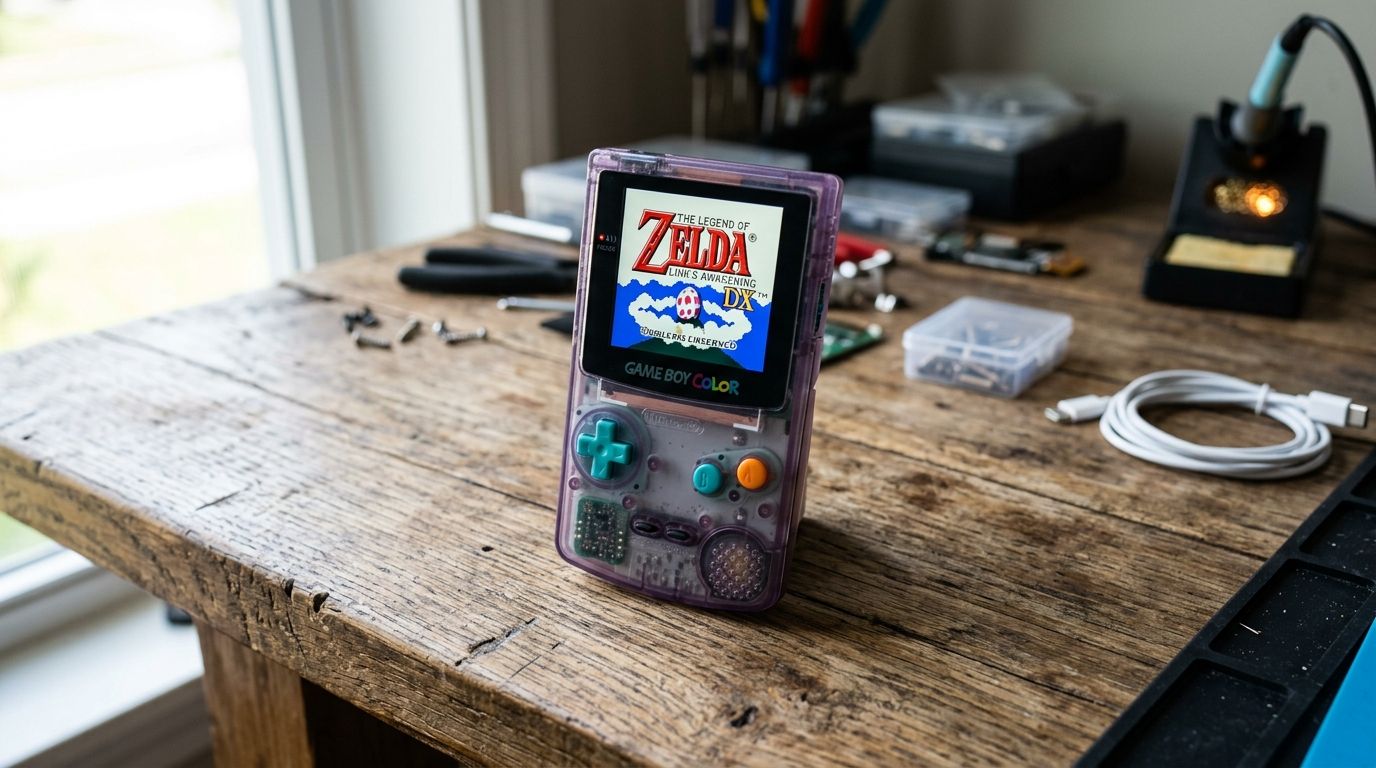
Best overall: FunnyPlaying GBC IPS LCD Kit. Best for lamination purists: Retro Modding Full-Lamination GBC IPS Kit. Best budget option: Hispeedido GBC IPS Kit. Best for tinkerers: adjustable-brightness AliExpress-style GBC IPS kit with onboard buttons.
A Game Boy Color's original screen is reflective and unlit — great in direct sun, useless in a dim room. An IPS mod swaps that panel for a backlit display with better viewing angles and consistent color, and by 2026 the install process on most kits is closer to plugging in a ribbon cable than doing surgery on a 1998 handheld.
- FunnyPlaying's GBC IPS LCD Kit wins overall for its no-cut shell design and plug-and-play ribbon connector.
- Retro Modding's full-lamination kit gives the sharpest, glare-resistant image but needs more careful shell fitting.
- Hispeedido's GBC IPS kit is the budget pick if you can tolerate less consistent quality control.
- Adjustable-brightness kits with onboard buttons suit tinkerers who want to tune contrast without a companion app.
- None of these gbc ips screen mod kits require soldering on a stock GBC board in 2026.
Why this matters
The Game Boy Color launched in 1998 with a screen technology that was already a compromise. No backlight, washed-out colors, and a viewing angle that punishes anyone not staring dead-on. An IPS mod is the single upgrade that changes how the handheld actually feels to use — more than a new shell, more than a battery kit.
The catch: not every gbc ips screen mod kit fits the same way, and "IPS" on a listing title covers a wide range of build quality. Some kits need you to trim plastic tabs inside the shell. Others are drop-in. Picking wrong means a return shipment or a scratched shell you can't undo.
If you're already deep into a restoration build, the screen mod is usually the last piece — do it after the mainboard and shell are sorted, not before, since disassembly order matters for ribbon cable routing. Everything here reflects how these kits perform on unmodified 1998-2003 GBC boards in 2026.
What makes the best GBC IPS screen mod
- No-cut compatibility — whether the kit fits a stock shell without trimming plastic
- Lamination — laminated panels reduce glare and internal reflection versus air-gapped designs
- Color consistency — panel-to-panel color accuracy across a given kit's production run
- Backlight control — onboard brightness/contrast adjustment versus fixed output
- Ribbon cable durability — connector type and how easily it disconnects during reassembly
- Documentation quality — whether install guides match the exact hardware revision you receive
GBC IPS screen mods at a glance
| Kit | Best for | Standout feature | Key limitation |
|---|---|---|---|
| FunnyPlaying GBC IPS LCD Kit | First-time modders | No-cut shell compatibility | Less brightness headroom than laminated kits |
| Retro Modding Full-Lamination GBC IPS Kit | Glare-resistant clarity | Fully laminated panel | Tighter shell tolerances, more fiddly install |
| Hispeedido GBC IPS Kit | Budget builds | Lowest cost of entry in the category | Inconsistent unit-to-unit quality control |
| Adjustable-brightness onboard-button kit | Tinkerers | On-device brightness/contrast dials | Bulkier PCB can interfere with some shells |
1. FunnyPlaying GBC IPS LCD Kit: best GBC IPS screen mod for first-time modders
FunnyPlaying built its reputation on Game Boy IPS kits that don't require shell modification, and the GBC version keeps that promise. The panel drops into a stock shell, connects via a single ribbon, and ships with instructions that match the actual hardware revision — a detail that trips up buyers on cheaper kits.
FunnyPlaying GBC IPS LCD Kit pros:
- No shell cutting required on stock GBC housings
- Consistent color output across units, based on aggregated community reviews through 2026
- Ribbon cable connector is easy to seat and reseat during troubleshooting
FunnyPlaying GBC IPS LCD Kit cons:
- Non-laminated version shows more glare outdoors than fully laminated alternatives
- No onboard brightness adjustment on the base model
Best for: anyone doing their first GBC IPS screen mod and wanting a predictable outcome. Verdict: Buy.
2. Retro Modding Full-Lamination GBC IPS Kit: best for glare-resistant clarity
Retro Modding's kit uses a fully laminated panel, which eliminates the air gap between the LCD and the protective lens. That gap is where most glare and internal reflection come from, so this kit produces a noticeably crisper image under bright light.
Retro Modding kit pros:
- Laminated construction cuts glare versus air-gapped panels
- Sharper apparent contrast in daylight or bright indoor light
- Well-documented for both GBC and GBC-adjacent shell variants
Retro Modding kit cons:
- Shell tolerances are tighter, so a warped or aftermarket shell can cause fitment issues
- Higher chance of needing minor shell adjustment despite marketing as a "no-cut" option
Best for: modders who care more about outdoor visibility than install speed. Verdict: Buy.
3. Hispeedido GBC IPS Kit: best budget GBC IPS screen mod
Hispeedido kits circulate widely through import marketplaces and are the entry point for a lot of first GBC mods. The panel technology is the same underlying IPS approach as the pricier kits, but manufacturing consistency is the tradeoff.
Hispeedido kit pros:
- Lowest cost of entry into the gbc ips screen mod category
- Wide availability across import retailers
- Functional as a straightforward backlight/viewing-angle upgrade
Hispeedido kit cons:
- Quality control varies unit to unit — some buyers report dead pixels or dim backlights
- Documentation often doesn't match the exact board revision shipped
- Less consistent color calibration than FunnyPlaying or Retro Modding kits
Best for: budget builds where a working backlight matters more than color precision. Verdict: Hold — buy if the price gap justifies the QC risk, otherwise step up a tier.
4. Adjustable-brightness GBC IPS kit: best for tinkerers
Some GBC IPS kits add onboard buttons for brightness and contrast, skipping the need to disassemble the shell again just to change settings. This variant trades a slightly bulkier PCB for that flexibility.
Adjustable-brightness kit pros:
- On-device brightness and contrast control without reopening the shell
- Useful for players who switch between daylight and dark-room sessions often
- Same core IPS panel technology as fixed-brightness kits
Adjustable-brightness kit cons:
- Bulkier PCB can interfere with certain aftermarket or slim shells
- Extra buttons mean one more thing that can fail or need re-soldering later
Best for: modders who want post-install control over the screen. Verdict: Buy if shell clearance checks out first.
How these GBC IPS screen mods were ranked
Each kit is judged against the six criteria above: no-cut compatibility, lamination, color consistency, backlight control, ribbon durability, and documentation quality. FunnyPlaying wins on the combination of fit and consistency; Retro Modding wins on raw image quality; Hispeedido wins on cost; the adjustable-brightness kit wins on control. No kit swept every category, which is why the "best" answer depends on which tradeoff you're making.
“A gbc ips screen mod fixes the one flaw the Game Boy Color launched with in 1998 — everything else is a matter of taste.”
Which GBC IPS screen mod should you choose?
If you're modding your first Game Boy Color in 2026, start with the FunnyPlaying GBC IPS LCD Kit — the no-cut fit removes the biggest risk in the process. Pick Retro Modding's full-lamination kit if the handheld spends time outdoors or under bright light and glare actually bothers you. Go Hispeedido only if the price gap changes your decision to mod at all, and budget for a possible dud unit. Choose the adjustable-brightness kit if you're already comfortable opening a shell twice.
If you're weighing GBC against a GBA build in the same session, the panel market and shell tolerances differ — check the GBA IPS screen kits comparison before ordering, since GBA and GBC kits are not interchangeable.
Browse GBMake's modding accessories
Cartridges, flash burners, and build parts for Game Boy and GBA projects.
FAQ
What's the best GBC IPS screen mod in 2026?
The FunnyPlaying GBC IPS LCD Kit is the best overall pick in 2026 because it fits stock shells without cutting and delivers consistent color across units. Retro Modding's full-lamination kit beats it on outdoor glare resistance if that matters more to you.
Do GBC IPS kits require soldering?
No — the kits covered here connect via a ribbon cable and require zero soldering on a stock GBC board. Soldering only becomes necessary if you're also repairing damaged traces or replacing other components.
Is a laminated GBC IPS screen worth the extra install difficulty?
Yes if you use the handheld outdoors or in bright rooms — lamination removes the air gap that causes glare and reflection. If you mostly play indoors in normal lighting, a non-laminated kit like FunnyPlaying's base model is easier to install with similar everyday clarity.
Can I use a GBA IPS kit in a Game Boy Color?
No — GBC and GBA use different shell dimensions and ribbon connectors, so the kits are not interchangeable. Check a dedicated GBA IPS comparison if you're modding both handhelds.
Why do some GBC IPS kits need shell cutting and others don't?
Panel thickness and PCB placement vary by kit design — some manufacturers engineer around stock shell dimensions, others prioritize panel quality over fit. FunnyPlaying markets specifically around no-cut compatibility, which is why it's the safer first-mod choice.
How much brightness control do GBC IPS kits offer?
Base kits ship with fixed backlight output, while adjustable-brightness variants add onboard buttons for on-device contrast and brightness changes. If you switch lighting environments often, the adjustable variant avoids reopening the shell every time.
Are budget GBC IPS kits like Hispeedido reliable?
They're functional but inconsistent — some buyers get a solid panel, others report dim backlights or dead pixels. Treat the lower cost as a tradeoff against quality control risk, not a guaranteed shortcut.
One last thing
The part most first-time modders skip: check shell clearance before you order an adjustable-brightness kit. The extra PCB for onboard buttons is the single most common cause of a GBC IPS mod not closing flush in 2026 builds, and it's a five-minute check against your exact shell before the kit ships.