Game Boy and GBA flash carts turn a shoebox of loose cartridges into one device that boots homebrew, ROM hacks, and full commercial libraries off an SD card or, in one case, a real cartridge you can flash and resell. Picking the right one in 2026 comes down to capacity, save handling, and whether you're playing games or building them.
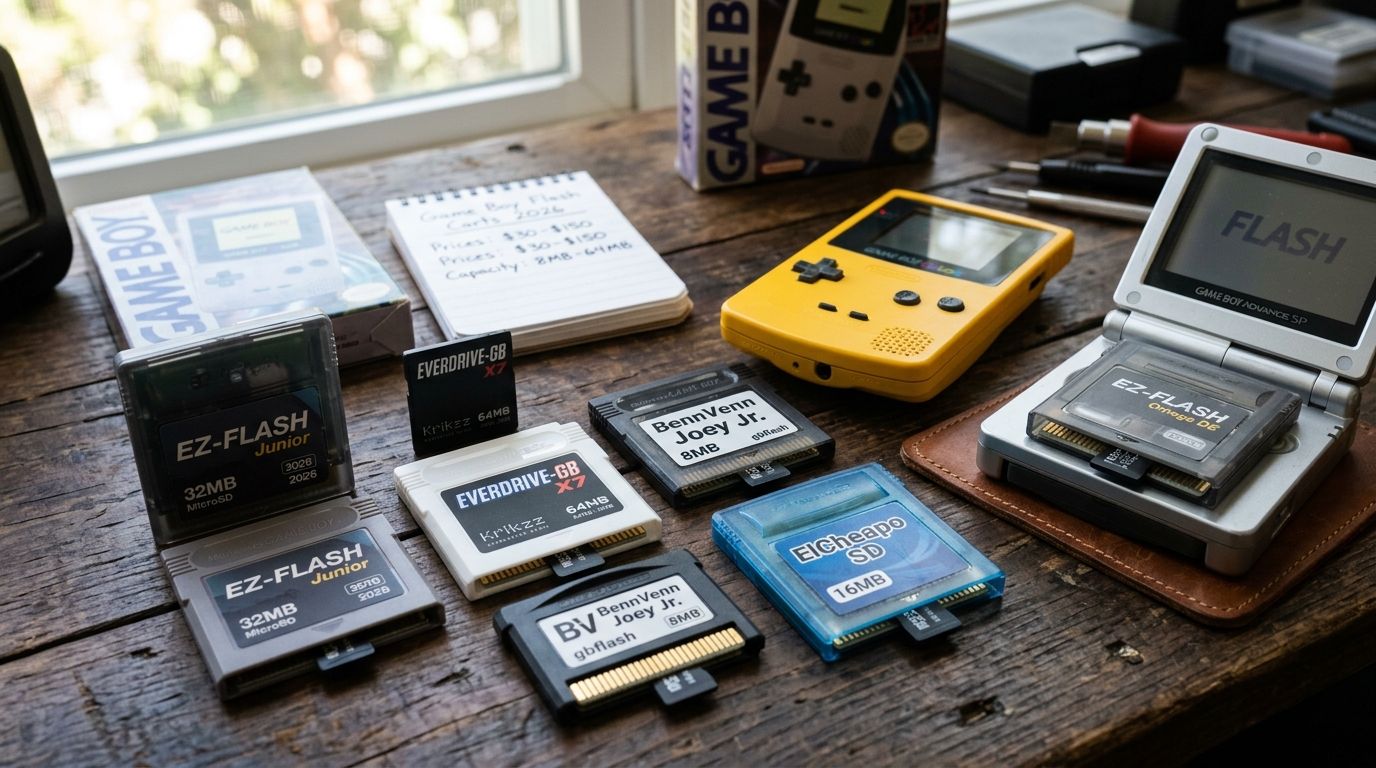
- EverDrive GB X7 is the best overall gbflash cart for a full GB/GBC library played on original hardware.
- EZ-Flash Junior stays the budget pick but caps out at 2GB FAT16 storage.
- EverDrive GBA X5 Mini is the best gbflash option built specifically for GBA and GBA SP shells.
- GB Operator is the only pick built for flashing physical cartridges instead of playing from SD storage.
- Pair any flash cart with a working mainboard and shell before you judge it on performance.
Why this matters
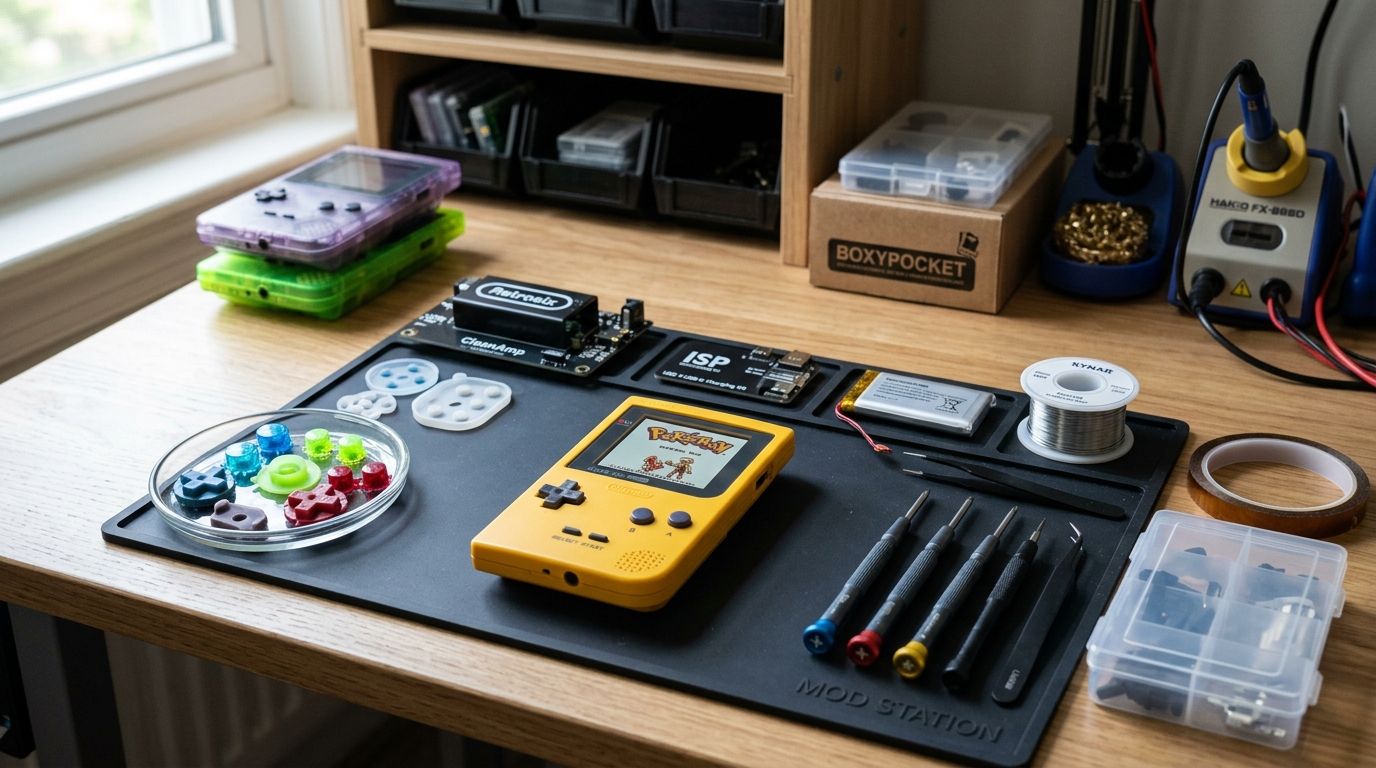
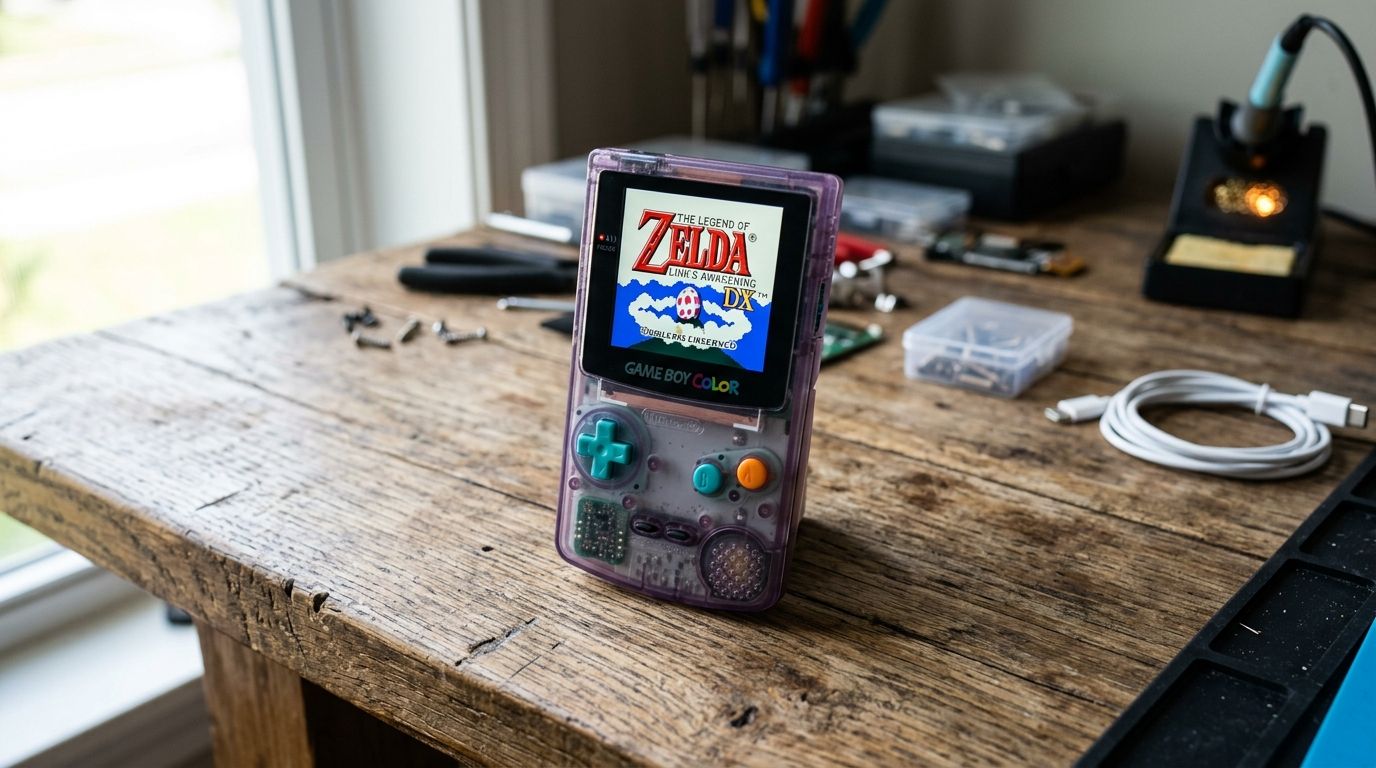
A flash cart is only as good as the hardware around it. If your shell is cracked, your shoulder buttons are dead, or your mainboard has a bad trace, no amount of SD card capacity fixes the experience. Check GBMake for shells, boards, and the accessories that keep a flash cart running on hardware worth playing on, not a system that's one drop away from the trash bin.
Capacity and price get the headlines, but the real differentiator in 2026 is what happens when a save file corrupts, a battery dies, or you need to test a ROM you're actually building instead of one you downloaded. That's where this ranking splits from every spec-sheet comparison you'll find elsewhere.
What makes the best gbflash cart
- SD card ceiling — FAT16 carts stop at 2GB; FAT32 carts scale to 32GB and beyond.
- Save reliability — battery-backed RAM versus battery-free FRAM changes how saves survive over years of storage.
- System compatibility — GB/GBC-only carts differ from GBA-native carts, and not every cart runs cleanly across both families.
- In-game menu and cheat support — real-time save states, cheat codes, and fast-forward matter for homebrew testing.
- Firmware support — open-source firmware gets patched faster than closed ecosystems when a new mapper or ROM hack breaks compatibility.
- Purpose — playing ROMs off SD storage is a different job than flashing and dumping physical cartridges for development.
Gbflash carts at a glance
| Cart | Best for | Standout feature | Key limitation |
|---|---|---|---|
| EverDrive GB X7 | Full GB/GBC library | 32GB FAT32 support | No native GBA-only game support |
| EZ-Flash Junior | Budget GB/GBC play | Low-cost entry point | 2GB FAT16 cap, no RTC |
| EverDrive GBA X5 Mini | GBA library + SP fit | Compact form factor | GBA-only, no GB/GBC ROMs |
| EZ-Flash Omega Definitive Edition | Battery-free saves | FRAM save storage | Swappable shell adds setup steps |
| GB Operator | Flashing physical cartridges | USB dump and flash workflow | Not built for casual ROM browsing |
1. EverDrive GB X7: best gbflash cart for a full GB/GBC library
The EverDrive GB X7 (Krikzz) reads ROMs off a standard SD card formatted FAT32, supporting cards up to 32GB in practice. It runs on original Game Boy and Game Boy Color hardware and carries save states plus an in-game menu for switching titles without powering off.
EverDrive GB X7 pros:
- Runs the full GB and GBC commercial library plus homebrew without conversion headaches
- 32GB capacity covers a ROM collection built over years
- Active firmware updates from Krikzz keep compatibility current in 2026
EverDrive GB X7 cons:
- Doesn't handle GBA-exclusive titles
- Higher cost than entry-level carts limits it as a first purchase
Best for: collectors building one cart to replace an entire GB/GBC shelf. Verdict: Buy.
2. EZ-Flash Junior: best gbflash cart for budget GB/GBC play
The EZ-Flash Junior targets players who want ROM flexibility without paying for features they won't use. It reads FAT16-formatted SD cards, which caps usable storage around 2GB — plenty for a curated library, tight for someone digitizing hundreds of carts.
EZ-Flash Junior pros:
- Lowest barrier to entry in this ranking
- Simple menu, no learning curve for new modders
- Works reliably on original Game Boy and Game Boy Color hardware
EZ-Flash Junior cons:
- 2GB FAT16 ceiling is restrictive for large libraries
- No real-time clock support for games that track in-game time
- Firmware updates lag behind premium carts
Best for: first-time flash cart buyers testing the format before upgrading. Verdict: Buy if budget is the deciding factor, otherwise hold for the X7.
3. EverDrive GBA X5 Mini: best gbflash cart for GBA and SP builds
The EverDrive GBA X5 Mini is sized to sit flush in a Game Boy Advance SP shell without the bulk older GBA flash carts carried. It reads FAT32 SD cards up to 32GB and includes cheat code support plus save-state slots for GBA titles specifically.
EverDrive GBA X5 Mini pros:
- Compact form factor fits SP shells cleanly, no case modification
- 32GB capacity covers the full commercial GBA library with room for homebrew
- Cheat code and save-state support built into the menu
EverDrive GBA X5 Mini cons:
- GBA-only — no backward compatibility with GB/GBC ROMs
- Requires a properly seated shell to avoid cart-detection issues
If your build already needs shell work, Game Boy Advance SP shell replacements is worth checking before you install the cart, not after.
Best for: GBA and GBA SP owners who want one cart for the entire library. Verdict: Buy.
4. EZ-Flash Omega Definitive Edition: best gbflash cart for battery-free saves
The EZ-Flash Omega Definitive Edition swaps traditional battery-backed save RAM for FRAM, meaning saves persist without a coin cell that eventually dies. It ships with a swappable shell system and open-source firmware that the modding community patches directly.
EZ-Flash Omega pros:
- FRAM eliminates the battery-death save-loss problem entirely
- Open-source firmware means faster community fixes for new ROM hacks
- Swappable shell lets you match cart color to your build
EZ-Flash Omega cons:
- Shell swaps add an extra setup step compared to sealed carts
- Smaller support community than the EverDrive line
Best for: builders who've lost saves to a dead battery before and want it solved permanently. Verdict: Buy.
5. GB Operator: best gbflash cart for developers flashing physical cartridges
GB Operator (Epilogue) isn't built to browse ROMs off an SD card — it's a USB linker that dumps and flashes real Game Boy and GBA cartridges. Developers use it to write a build directly onto a physical cart, test on hardware, then reflash for the next iteration.
GB Operator pros:
- Only pick in this list built for flashing physical cartridges, not SD-card ROM lists
- Handles save dumping and backup for cartridge-based development workflows
- USB connection keeps the flashing loop fast during iterative testing
GB Operator cons:
- Not a fit if you just want to play a library of games
- Learning curve for players unfamiliar with dev-side flashing tools
Best for: retro game developers who need cartridges to test on, not a menu to browse. Verdict: Buy if you're building games; skip if you're only playing them.
Building a flash cart setup from scratch?
Browse custom cartridges, boards, and mod parts before you commit.
How we ranked these gbflash carts
Each cart got measured against the six criteria above: SD ceiling, save reliability, system compatibility, in-game menu features, firmware support, and purpose. No cart wins every category — that's why five carts made this list instead of one "best" pick. For a longer breakdown covering two more carts and deeper compatibility notes, the full ranked list of 7 Game Boy flash carts goes further into homebrew-specific edge cases this guide didn't have room for.
Which gbflash cart should you choose in 2026?
If you own original Game Boy or Game Boy Color hardware and want one cart for everything, the EverDrive GB X7 is the default answer in 2026. If you're on a tight budget and just want to test the flash cart format, start with the EZ-Flash Junior and upgrade later. GBA and GBA SP owners should go straight to the EverDrive GBA X5 Mini for the shell fit alone. If dead save batteries have burned you before, the EZ-Flash Omega Definitive Edition solves it structurally. And if you're not playing games but building them, none of the SD-card carts matter — GB Operator is the only tool built for that job.
Whatever cart you land on, a flash cart is only half the build. A cracked shell, a worn mainboard, or dead shoulder buttons will make even the EverDrive GB X7 feel broken. Check Game Boy mainboards for restoration builds before you blame the cart for a hardware problem.
FAQ
What's the best gbflash cart overall in 2026?
The EverDrive GB X7 is the best overall pick for Game Boy and Game Boy Color in 2026, supporting up to 32GB FAT32 SD cards and the full commercial and homebrew library. It doesn't cover GBA-exclusive titles, so GBA owners need a separate cart.
Is the EverDrive GBA X5 Mini better than the EZ-Flash Omega for GBA?
The EverDrive GBA X5 Mini wins on shell fit and raw SD capacity, while the EZ-Flash Omega Definitive Edition wins on save reliability thanks to battery-free FRAM storage. Pick the X5 Mini for library size, the Omega for saves you never want to lose.
How much SD card capacity do I need for a gbflash cart?
A 32GB FAT32 card covers the entire commercial GB, GBC, or GBA library plus homebrew with room to spare in 2026. Budget carts capped at 2GB FAT16 still handle a curated library of a few dozen titles.
Can one flash cart play both Game Boy and Game Boy Advance games?
No cart in this ranking plays both natively — GB/GBC carts like the EverDrive GB X7 stay within that family, and GBA carts like the EverDrive GBA X5 Mini are GBA-only. You need two separate carts to cover both systems fully.
What's the difference between a flash cart and a device like GB Operator?
A flash cart like the EverDrive GB X7 reads ROMs off an SD card for playing games. GB Operator instead flashes and dumps physical cartridges over USB, built for developers testing builds on real hardware rather than browsing a ROM menu.
Do flash carts need a battery for save data?
Most flash carts use battery-backed RAM that eventually needs a coin cell replacement, but the EZ-Flash Omega Definitive Edition uses FRAM instead, which holds saves without a battery at all.
Is the EZ-Flash Junior worth buying in 2026?
The EZ-Flash Junior is worth it as a low-cost entry point for testing the flash cart format, but its 2GB FAT16 cap and lack of real-time clock support make it a hold for anyone building a large library.
One last thing
The detail most buyers miss: FAT16 versus FAT32 formatting, not raw advertised capacity, is what actually caps a budget cart at 2GB while a premium cart scales to 32GB — the SD card itself could be bigger, the cart's file system just won't see past that line. Check the formatting spec before you blame a cart for "not reading" a large card.