The best game boy link cable in 2026 splits by console generation, not by brand. Best overall: the official Game Boy Advance Link Cable, built for GBA-to-GBA trading and battling. Best for classic hardware: the original Nintendo Game Boy Link Cable, the 6-pin cable that still runs Tetris and first-generation Pokémon trades. Best for mixed collections: a Universal Multi-System Link Cable that bridges the old 6-pin standard with the newer 4-pin GBA port.
- Official Game Boy Advance Link Cable is the best game boy link cable overall for GBA-to-GBA trading and multiplayer in 2026.
- Original Nintendo Game Boy Link Cable is still the right pick for classic GB and GBC link battles.
- A Universal Multi-System Link Cable bridges GB/GBC and GBA connectors for players running both eras.
- Nintendo's GBA Wireless Adapter skips the cable but only works on titles that specifically support it.
- The GameCube-GBA Link Cable is a niche pick, useful mainly for Four Swords Adventures and console-to-handheld play.
Why this matters
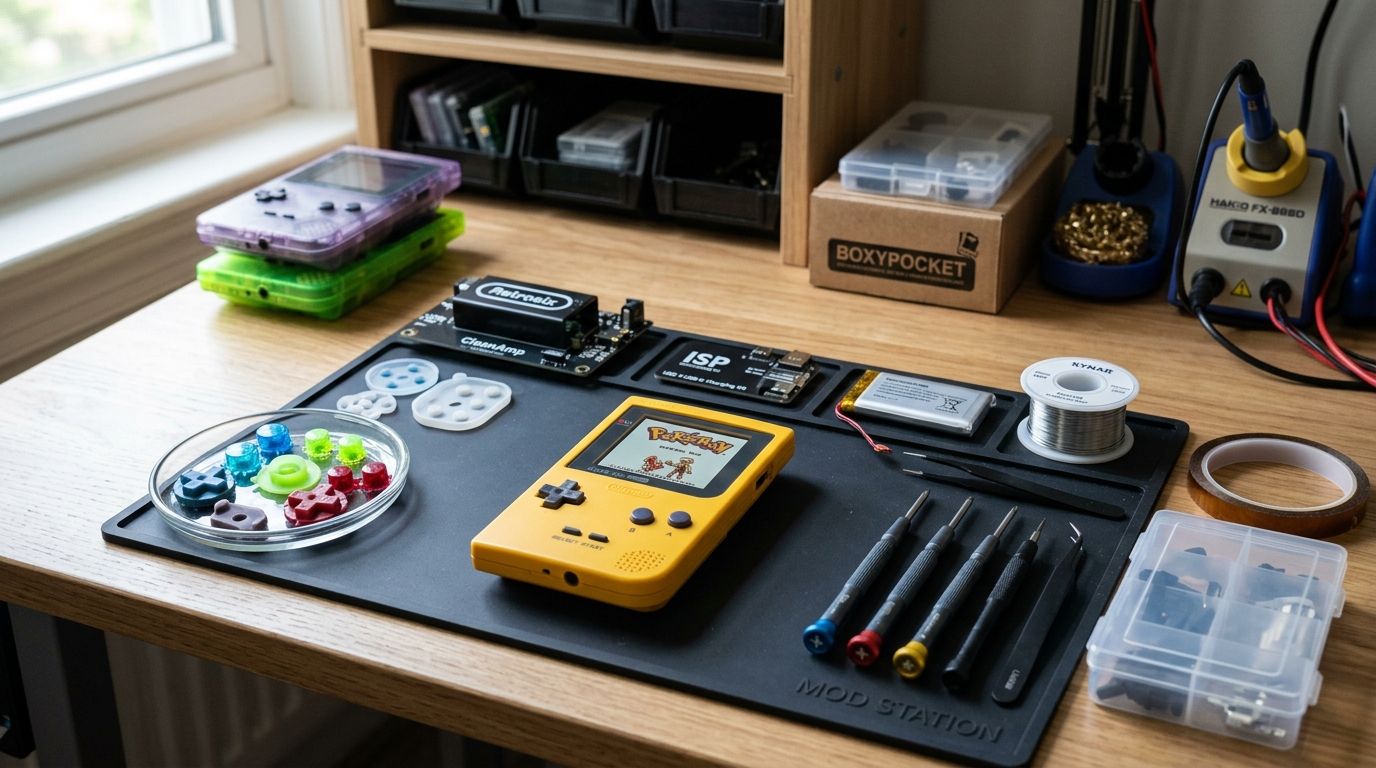
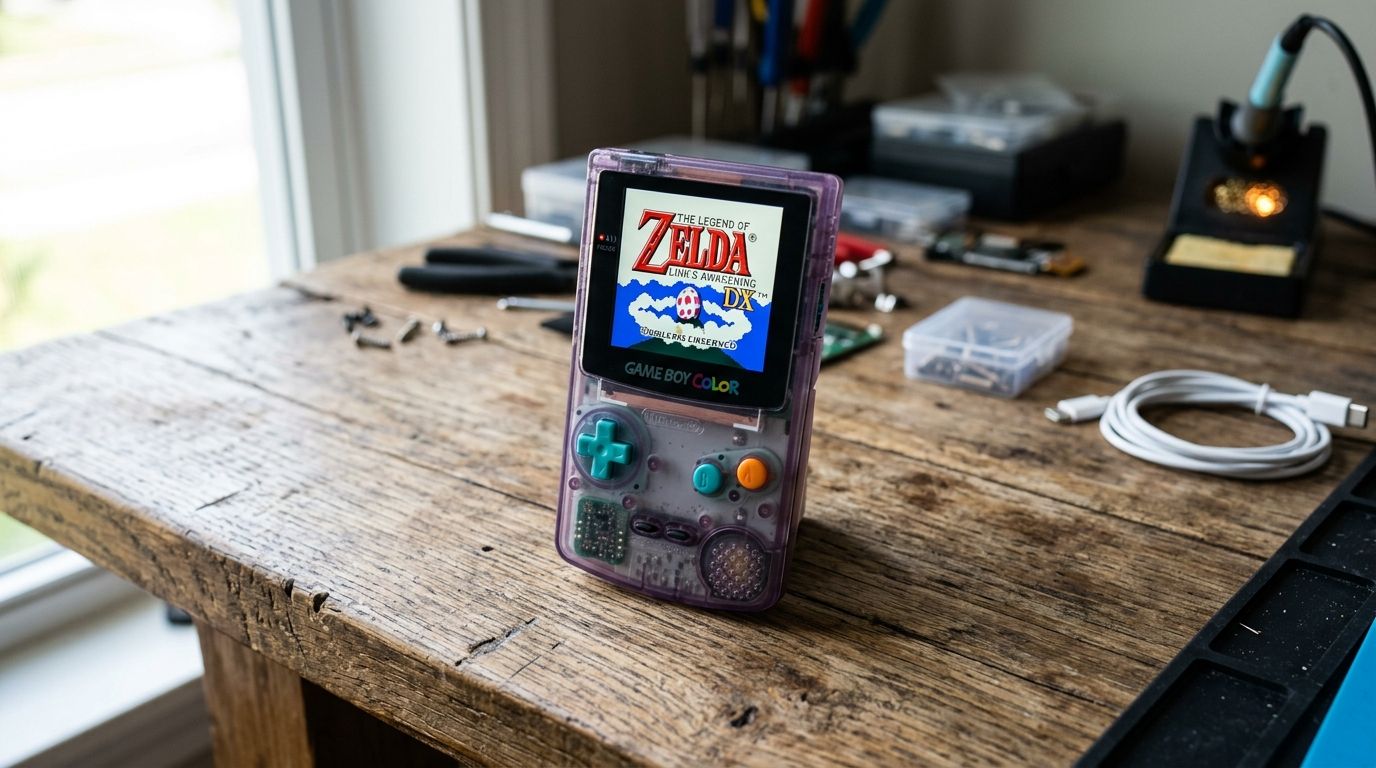
Link cable demand didn't die with the GBA era — it came back with the homebrew scene. Developers testing multiplayer ROMs on real hardware, collectors chasing original Pokémon trades, and modders running custom builds through a flash cart all need a physical link that actually holds a connection through a full trade or battle sequence.
The catch in 2026 is that Game Boy multiplayer was never one standard. The original Game Boy, Game Boy Pocket, and Game Boy Color share a 6-pin port. The Game Boy Advance switched to a different 4-pin connector. Pick the wrong cable for your console pairing and nothing links, full stop — that's the single biggest buying mistake in this category.
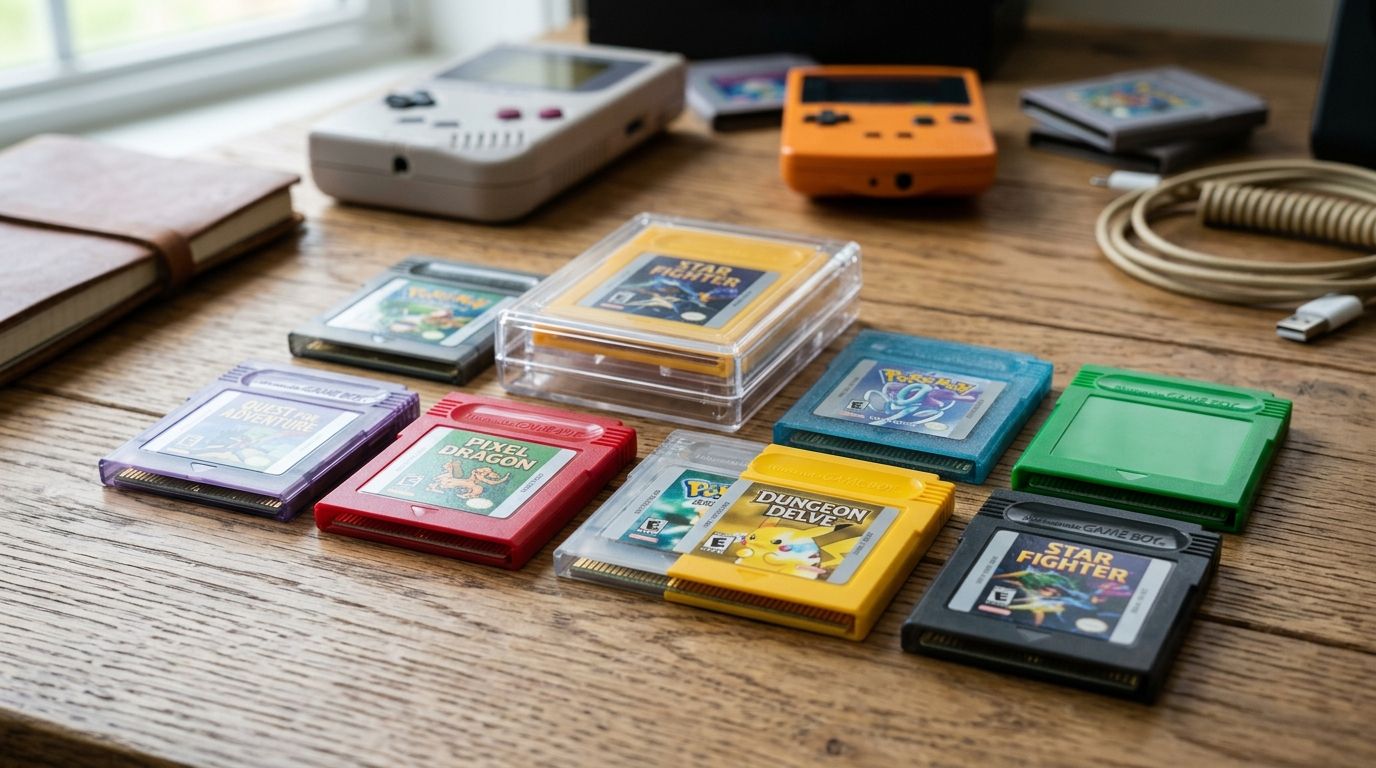
If you're testing homebrew multiplayer builds on custom cartridges, the cable is only half the setup. GBMake covers the cartridge and flash side of that build.
What makes the best game boy link cable
- Connector compatibility — does it match your console's 6-pin or 4-pin port, or bridge both
- Cross-generation support — can it link a GB/GBC unit to a GBA, or is it single-generation only
- Contact durability — shielded pins that hold a stable connection through a full trade or battle
- Cable length — long enough for a comfortable two-player setup without tension on the ports
- Wired vs. wireless tradeoffs — wireless removes the cable but narrows game compatibility
- Homebrew and flash cart compatibility — whether it holds a link during ROM testing on modded hardware
Game Boy link cables at a glance
| Cable | Best for | Standout feature | Key limitation |
|---|---|---|---|
| Game Boy Advance Link Cable | GBA-to-GBA trading and battling | 4-pin design supports up to 4-player chains | Won't connect directly to original GB/GBC ports |
| Original Nintendo GB/GBC Link Cable | Classic GB and GBC multiplayer | 6-pin standard used across the entire original lineup | Not compatible with GBA without an adapter cable |
| Universal Multi-System Link Cable | Mixed GB/GBC and GBA collections | Bridges both connector standards in one cable | Adds a junction point that's another spot to fail |
| Nintendo GBA Wireless Adapter | Wireless GBA multiplayer | No cable needed between units | Only works with games coded to support it |
| GameCube-GBA Link Cable | Console-to-handheld connectivity | Links a GBA directly into a GameCube for supported titles | Niche use case tied to a small game list |
1. Game Boy Advance Link Cable: best game boy link cable for GBA multiplayer
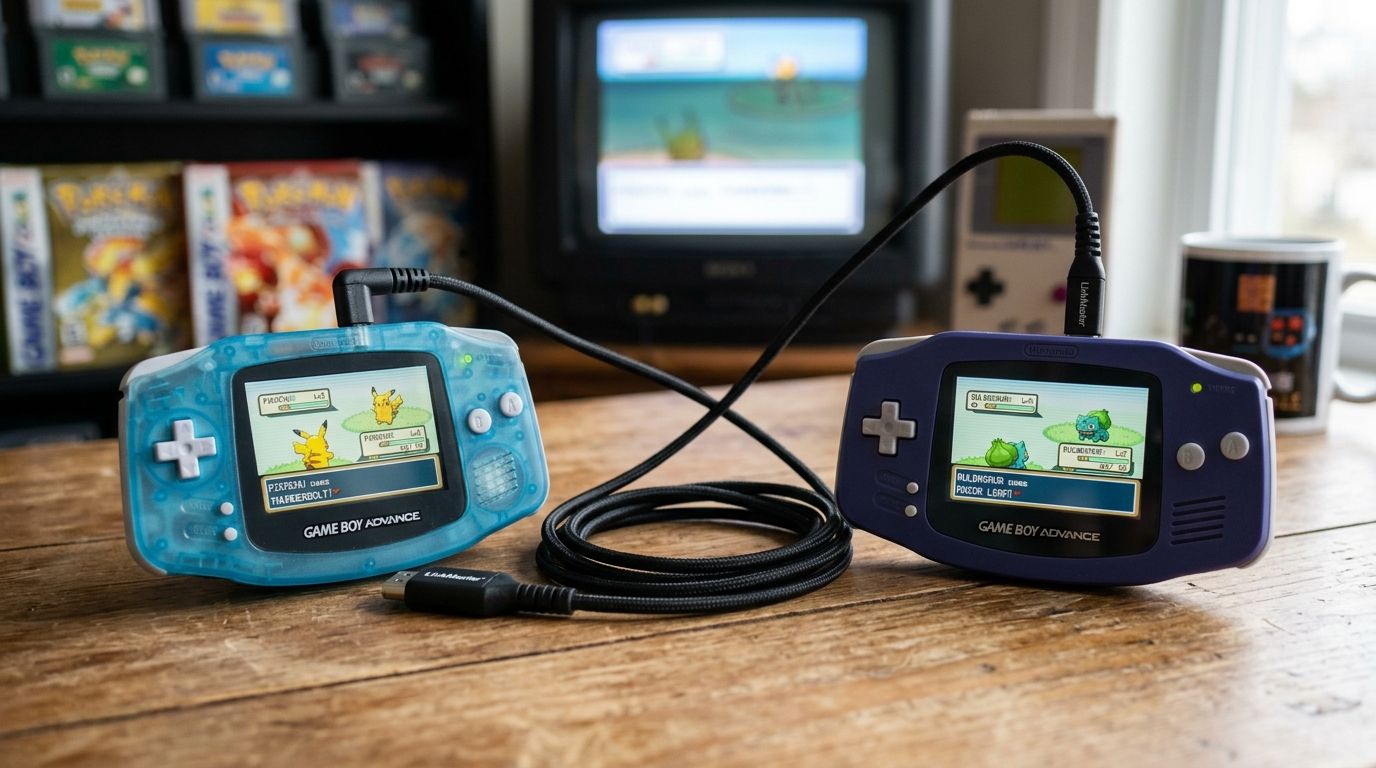
This is the cable built for the GBA's 4-pin port, and it's what most trading, battling, and multiplayer campaigns on the platform actually shipped with in mind. Titles like Pokémon Ruby, Sapphire, and Emerald, plus multiplayer modes in Four Swords and Mario Kart: Super Circuit, all run through this exact connector.
Game Boy Advance Link Cable pros:
- Direct fit for every GBA, GBA SP, and Game Boy Player port
- Supports chained multiplayer for up to 4 players on titles that allow it
- Still the standard connector referenced in GBA-era game manuals
Game Boy Advance Link Cable cons:
- No native connection to original Game Boy or Game Boy Color hardware
- Repeated link sessions can loosen contact pins over years of use
Verdict: Buy if you're running GBA-to-GBA multiplayer, trading, or battling in 2026 — this is the connector the games were designed around.
2. Original Nintendo Game Boy Link Cable: best for classic GB and GBC multiplayer
The 6-pin cable is the original link standard, spanning the first Game Boy, Game Boy Pocket, and Game Boy Color. It's what ran Tetris versus mode and the first wave of Pokémon Red, Blue, Yellow, Gold, Silver, and Crystal trades.
Original GB/GBC Link Cable pros:
- Works across the entire original Game Boy hardware family
- Simple two-conductor design with fewer failure points than bridged cables
- Widely documented pinout for anyone building a DIY replacement
Original GB/GBC Link Cable cons:
- Doesn't connect to a Game Boy Advance without a separate adapter
- Older stock cables show age-related contact wear more than newer reproductions
Verdict: Buy if your setup is classic Game Boy or Game Boy Color hardware and nothing newer.
3. Universal Multi-System Link Cable: best for mixed GB/GBC and GBA collections
A universal cable puts both connector styles on one cord, which matters if your collection spans generations — a GBC on one end and a GBA on the other. It's a practical middle ground instead of carrying two separate cables.
Universal Multi-System Link Cable pros:
- One cable covers both connector generations
- Convenient for collectors who own hardware from both eras
- Cuts down on cable clutter for anyone running a multi-console link station
Universal Multi-System Link Cable cons:
- The junction between connector types is an added point of mechanical stress
- Not every game that supports cross-generation trading actually links through a bridged cable — check the specific title first
Verdict: Buy for mixed-collection setups; Skip if you only own hardware from a single generation, since a single-standard cable is simpler.
4. Nintendo GBA Wireless Adapter: best for wireless GBA multiplayer
The official Wireless Adapter plugs into the GBA link port and removes the physical cable between units entirely. It only works with games specifically coded to detect and use it — not every GBA title supports wireless play, so this isn't a universal replacement for a link cable.
GBA Wireless Adapter pros:
- No cable tethering players together during multiplayer
- Supported in several first-party titles including entries in the Pokémon and Mario series
GBA Wireless Adapter cons:
- Game compatibility list is limited compared to wired link support
- Still requires one adapter per console, not a shared accessory
Verdict: Hold — worth it only if your specific game library supports it; otherwise a wired link cable covers more titles.
5. GameCube-GBA Link Cable: best for console-to-handheld connectivity
This cable connects a Game Boy Advance directly to a GameCube console port, used for a small set of titles that offload GBA-specific features onto the handheld screen — Four Swords Adventures being the best-known example.
GameCube-GBA Link Cable pros:
- Enables handheld-as-controller functionality unique to a handful of games
- Solid, direct connection with no wireless dropout
GameCube-GBA Link Cable cons:
- Only useful if you own both a GameCube and the small list of supporting titles
- Doesn't function as a general GBA-to-GBA multiplayer cable
Verdict: Skip unless you specifically play one of the handful of GameCube titles that use it.
How this list was ranked
Each cable was ranked against the six criteria above — connector compatibility, cross-generation support, contact durability, length, wired-versus-wireless tradeoffs, and homebrew/flash cart reliability. Cables that only work within one console generation ranked by how central that generation's multiplayer library is; bridging and wireless options ranked lower whenever they added compatibility gaps.
Building a homebrew multiplayer test rig?
Pair your link cable setup with GBMake cartridges and flash carts for GB, GBC, and GBA.
Which game boy link cable should you choose?
If you're not sure where to start, buy the Game Boy Advance Link Cable if your library is GBA-era, and buy the original 6-pin Game Boy Link Cable if you're running classic GB or GBC hardware. Only reach for a Universal Multi-System Link Cable if you genuinely split time across both eras — otherwise it's one more connection point than you need. The Wireless Adapter and GameCube cable stay situational picks tied to specific game libraries, not general-purpose buys.
FAQ
What's the best game boy link cable for trading Pokémon in 2026?
For Pokémon Ruby, Sapphire, and Emerald, the official Game Boy Advance Link Cable is the right pick since those games run on the 4-pin GBA connector. For Red, Blue, Yellow, Gold, Silver, or Crystal, use the original 6-pin Game Boy Link Cable instead.
Is the GBA link cable compatible with the original Game Boy?
No, the Game Boy Advance uses a different 4-pin connector than the 6-pin port on the original Game Boy and Game Boy Color. A universal or adapter cable is required to bridge the two.
How many players can link together with Game Boy Advance link cables?
GBA link cables support up to 4 players when chained together or used with a multiplayer adapter, depending on the game's multiplayer mode.
Does the GBA Wireless Adapter work for all games?
No, only titles specifically coded to support the Wireless Adapter can use it. Most GBA games still require a physical link cable for multiplayer.
Can a universal link cable replace both GB and GBA cables?
Yes, a universal multi-system link cable combines both connector standards in one cord, which is useful for collectors running hardware from both console generations.
What is the GameCube-Game Boy Advance link cable used for?
It connects a GBA to a GameCube console port for a small set of titles, such as Four Swords Adventures, that use the handheld as a secondary screen or controller.
Do link cables still work with modern flash carts?
Yes, standard GB/GBC and GBA link cables work with flash cart hardware for testing homebrew multiplayer ROMs, as long as the connector matches the console generation.
How long should a Game Boy link cable be for stable multiplayer?
Longer cables reduce port tension during two-player setups, but length has no effect on connection stability compared to shielding and contact quality at the connector ends.
One last thing
The detail most buyers miss in 2026: a link cable failure usually isn't the cable itself — it's the port. Years of cartridge swapping and link sessions wear down the pins inside the console's link port before the cable's own contacts give out, so a fresh cable on a worn port can still fail to hold a trade. If a link keeps dropping, test the same cable on a second console before replacing it.