Game Boy Pocket modding accessories in 2026 range from drop-in flash carts to full mainboard swaps, and the right pick depends on whether you're chasing a bigger game library, a repair, or just a cleaner multiplayer setup. Flash cart upgrades win for most builders, mainboard kits win for restoration projects, and link cables win for anyone still doing four-player trades in 2026.
- Flash cart upgrades are the highest-impact game boy pocket modding accessories for anyone tired of swapping cartridges.
- Mainboard restoration kits (MGB-001 compatible) are the right call for dead or corroded units, not casual upgrades.
- Link cables still matter in 2026 for GB and GBC multiplayer, and cheap ones cause the most connection failures.
- Speaker upgrades and replacement buttons fix the two most common Pocket complaints: tinny audio and mushy D-pads.
- GBMake ranks Game Boy Pocket modding accessories by install difficulty and hardware fit, not just price.
Why this matters
The Game Boy Pocket (MGB-001) is roughly three decades old, and most units still in circulation in 2026 carry some combination of a dying speaker, a worn D-pad, corroded battery contacts, or a cartridge slot that no longer loads reliably. Modding accessories solve one of those problems at a time, not all at once. That is why a ranked list beats a single all-in-one kit recommendation.
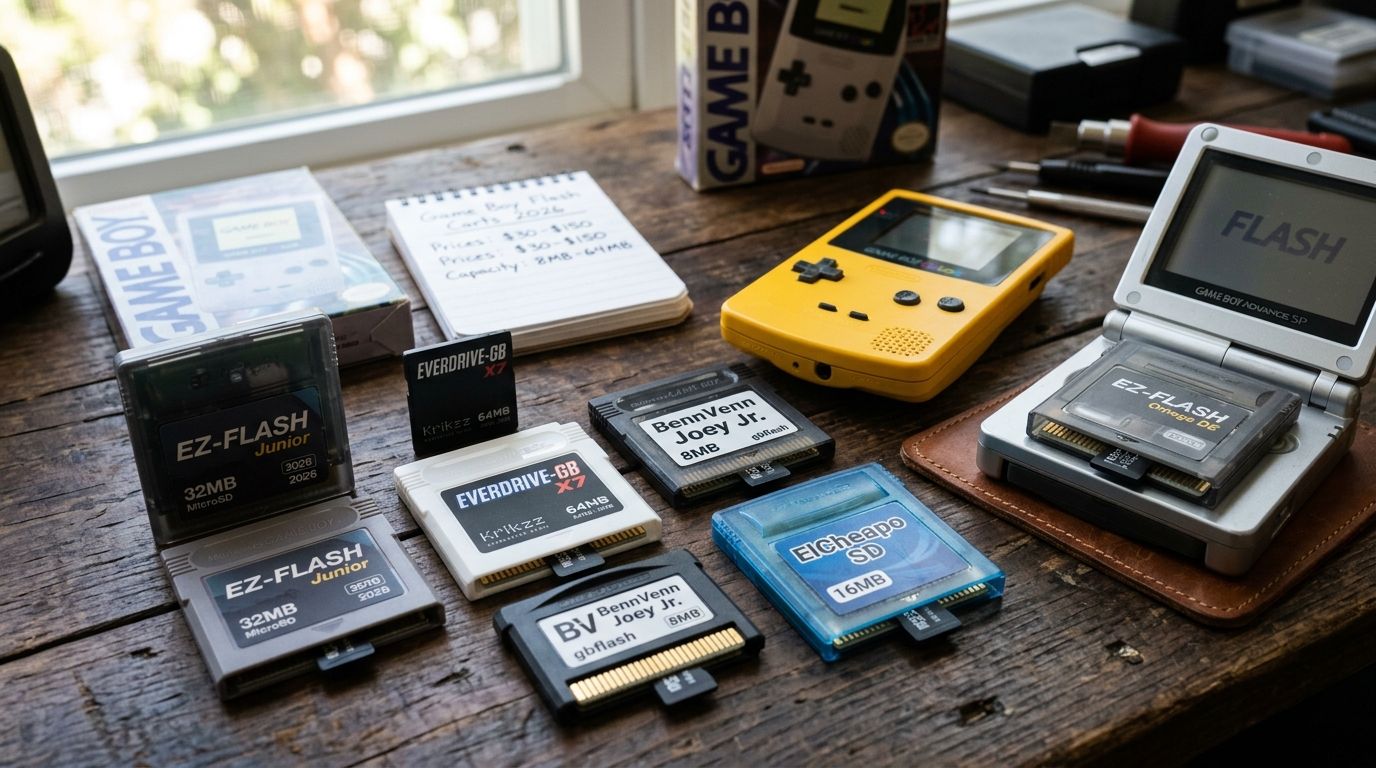
GBMake's flash carts ranked by capacity and price is the most-requested category for Pocket owners in 2026, because one SD card replaces a shoebox of cartridges. Everything below it in this list solves a narrower problem.
What makes the best Game Boy Pocket modding accessories
- Fits the MGB-001 shell and mainboard revision without shimming or filing
- Zero soldering required for anyone not already comfortable with a hot iron
- Open-source firmware or hardware so the community can document fixes
- Battery impact — some mods drain the Pocket's 2 AAA cells faster than stock
- Reversibility — a mod you can remove without damaging the donor unit
- Active Discord or forum support for troubleshooting after install
Game Boy Pocket modding accessories at a glance
| Category | Best for | Standout feature | Key limitation |
|---|---|---|---|
| Flash cart upgrades | Building a full ROM library on one cartridge | SD card swaps, no re-flashing per game | Save battery life depends on the cart's onboard chip |
| Mainboard restoration kits | Dead or corroded units | Full MGB-001-compatible board replacement | Requires desoldering the old board first |
| Link cables | GB and GBC multiplayer and trading | Shielding resists the disconnects cheap clones cause | Does not work with GBA-only link protocols |
| Speaker upgrades | Fixing tinny, distorted stock audio | Drop-in speaker matched to the Pocket's smaller cavity | Volume pot position varies by shell revision |
| Replacement buttons | Mushy or unresponsive D-pads | Tactile dome sheet swap, zero soldering | Shell color match is not guaranteed |
1. Flash cart upgrades: best Game Boy Pocket modding accessory for library size
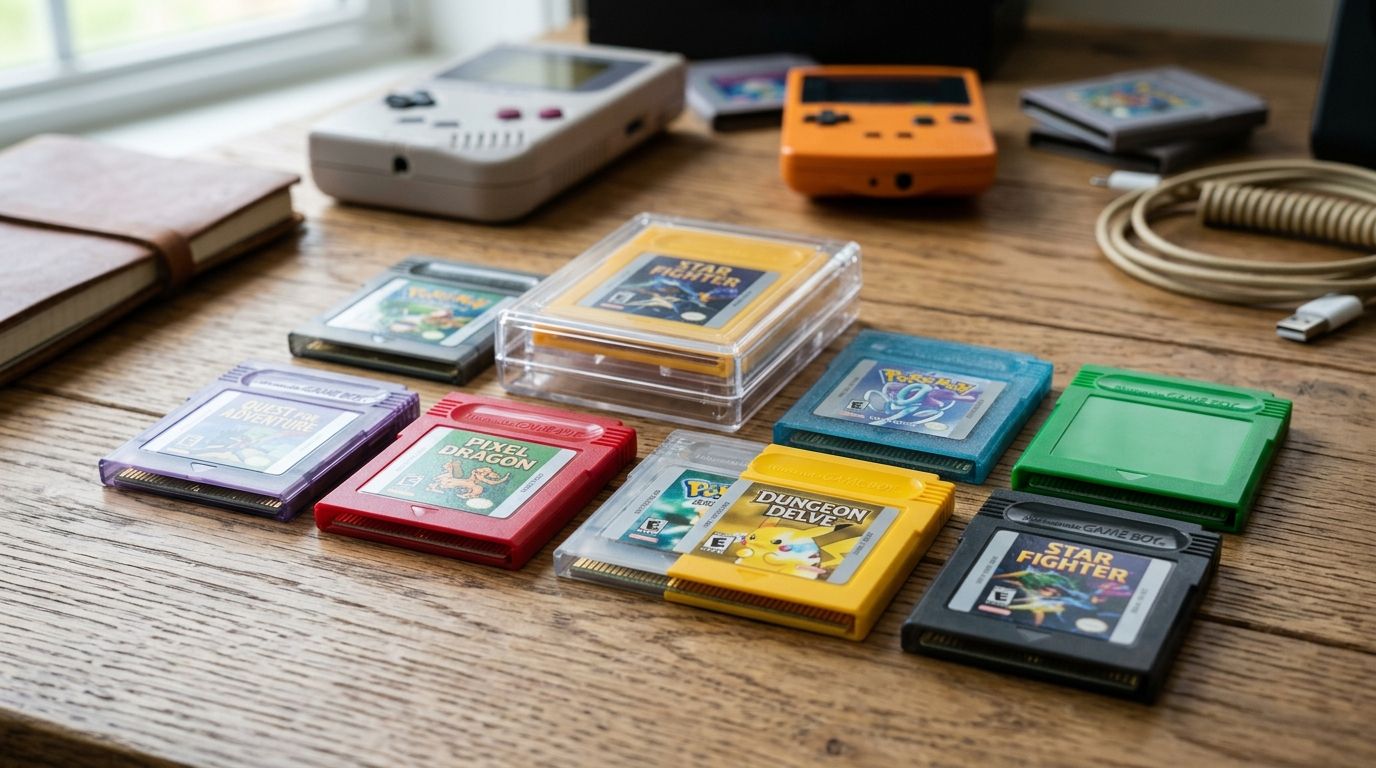
A flash cart replaces an entire physical game collection with one cartridge that reads ROMs from an SD card. On a Game Boy Pocket in 2026, this is the accessory that changes daily use the most — no digging through a case for the right label.
Flash cart pros:
- Loads an entire GB and GBC library from one card
- No soldering; drops into the stock cartridge slot
- Homebrew builds run from the same card as commercial ROM dumps
Flash cart cons:
- Higher-capacity carts cost more than a basic model
- Save battery on some carts needs periodic replacement
- Homebrew compatibility varies by cart chipset
Best for: anyone consolidating a cartridge collection or running homebrew. Verdict: Buy.
2. Mainboard restoration kits: best Game Boy Pocket modding accessory for repair jobs
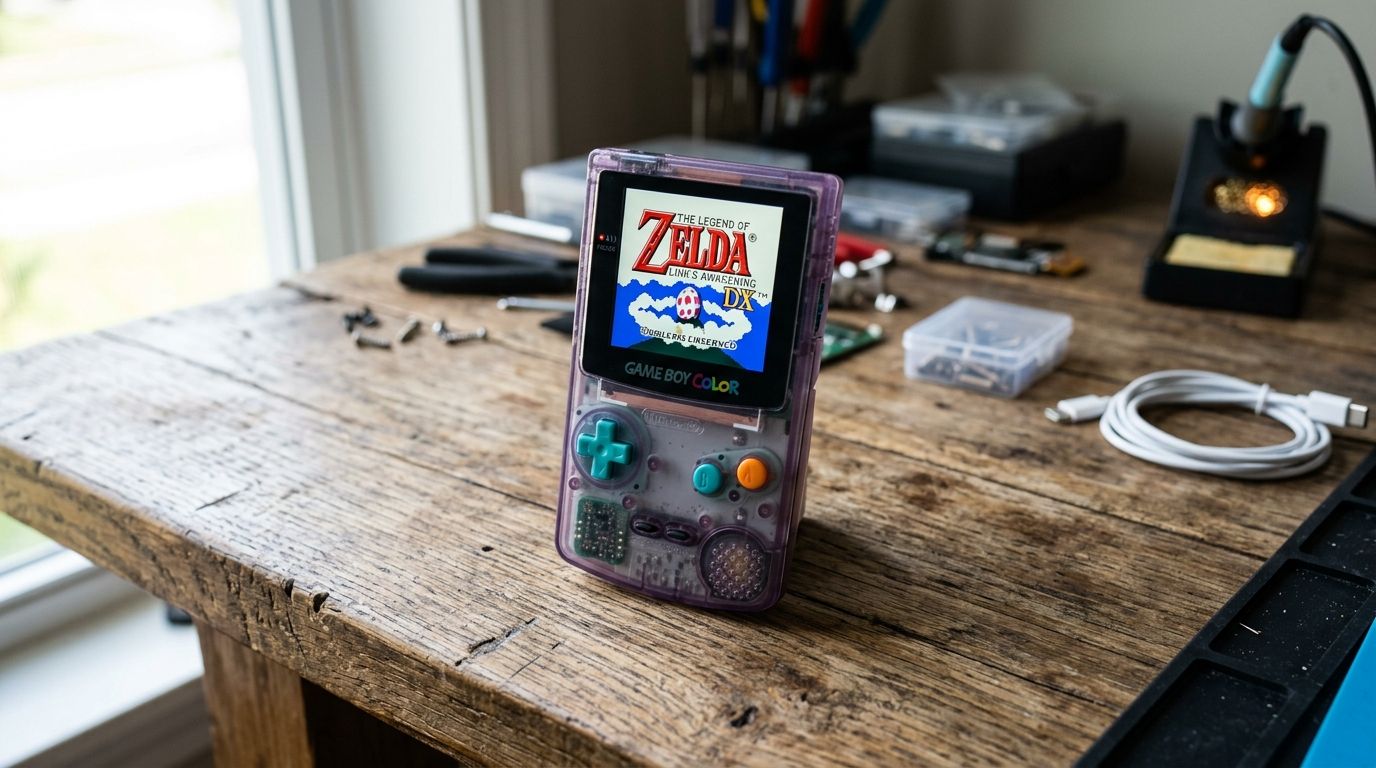
When a Pocket will not power on, shows corrosion from a leaked battery, or has a cracked trace, a mainboard restoration kit replaces the internal board instead of the whole console. This category is for dead units, not casual upgrades.
Mainboard kit pros:
- Recovers units that battery corrosion would otherwise kill
- Compatible boards preserve the original MGB-001 shell and screen
- Pairs cleanly with flash cart and audio work done afterward
Mainboard kit cons:
- Desoldering the failed board is required before install
- Not a beginner-friendly first mod
- Screen and speaker still need separate transfer or replacement
Best for: restoration builds starting from a non-working donor unit. Verdict: Buy if the alternative is scrapping the console.
3. Link cables: best Game Boy Pocket modding accessory for multiplayer
Game Boy Pocket multiplayer runs over the same two-pin link protocol as the original hardware, and low-quality third-party cables remain the most common cause of dropped connections reported in 2026. A shielded link cable for multiplayer fixes that without opening the console.
Link cable pros:
- No install, no soldering — plug and play
- Shielding reduces intermittent disconnects during trades
- Works across GB, GBC, and Pocket units on the same protocol
Link cable cons:
- Does not bridge a GB Pocket to GBA-only link ports
- Shielding quality is not visible before purchase
Best for: anyone still playing locally with a second unit in 2026. Verdict: Buy.
4. Speaker upgrades: best Game Boy Pocket modding accessory for audio
The Pocket's stock speaker is smaller than the original Game Boy's and it shows — audio turns tinny and distorted long before the rest of the unit fails. A Game Boy speaker upgrade is a same-cavity drop-in rather than a rewire.
Speaker upgrade pros:
- Clearly better audio on a console that otherwise still works
- Drop-in fit for the Pocket's smaller speaker cavity
- Low-cost way to extend the life of a healthy unit
Speaker upgrade cons:
- Volume pot position can shift slightly depending on shell revision
- Does not fix headphone jack faults, only the internal speaker
Best for: units with working hardware but degraded sound. Verdict: Buy.
5. Replacement buttons: best Game Boy Pocket modding accessory for worn D-pads
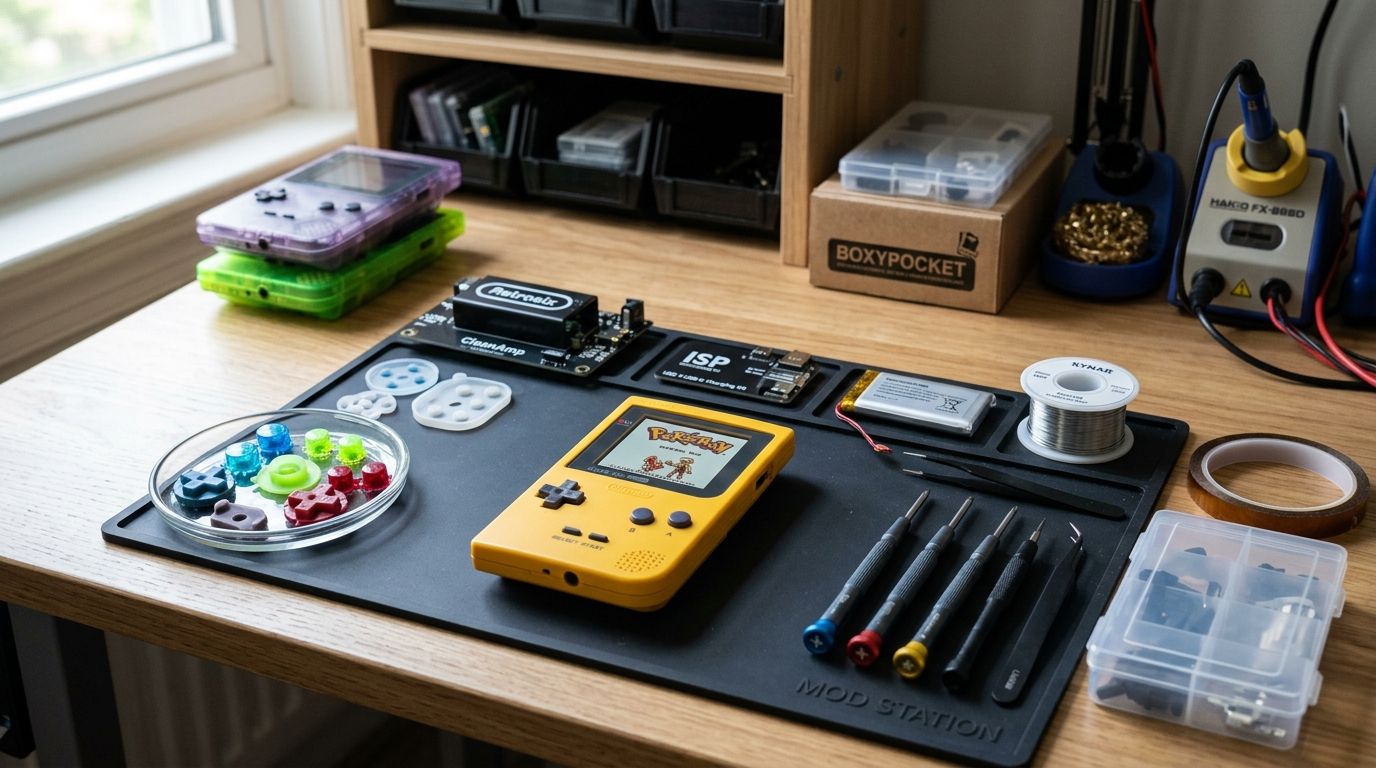
After decades of use, the rubber contact pads under the D-pad and face buttons wear flat and start missing inputs. Replacement button kits swap the tactile dome sheet with no soldering and, in most cases, no mainboard removal.
Replacement button pros:
- Fixes mushy or unresponsive D-pad input directly
- No soldering required on most Pocket shells
- Cheapest fix on this list relative to the problem it solves
Replacement button cons:
- Shell color match is not guaranteed across production runs
- Does not fix contact issues caused by a failing mainboard trace
Best for: units with working electronics and worn-out button feel. Verdict: Buy as a first mod.
How we ranked
Each category is scored against the six criteria listed earlier — shell fit, soldering requirement, firmware openness, battery impact, reversibility, and community support — not against price alone. Flash carts and link cables rank highest because they address problems every Pocket owner eventually hits. Mainboard kits rank as situational, because most units never need a full board swap.
Browse Game Boy Pocket modding parts
Flash carts, cables, and mod hardware for GB, GBC, and GBA builds.
Which Game Boy Pocket modding accessory should you choose?
If the unit powers on and you want more games without carrying a case of cartridges, start with a flash cart — it is the single accessory that changes how often the Pocket gets picked up in 2026. If the console is dead or corroded, the mainboard restoration kit comes first, because nothing else matters until the board works. Audio complaints, sticky D-pads, and multiplayer dropouts are all solved by the cheaper, faster mods further down this list.
“If a Game Boy Pocket mod needs a soldering iron just to fit the stock shell, it is not a beginner mod — it is a restoration project.”
FAQ
What are the best Game Boy Pocket modding accessories in 2026?
Flash cart upgrades, mainboard restoration kits, link cables, speaker upgrades, and replacement buttons cover what most Pocket owners need in 2026. Flash carts have the biggest daily-use impact; mainboard kits matter only for dead or corroded units.
Do Game Boy Pocket flash carts work with homebrew ROMs?
Compatibility depends on the cart's onboard chipset, and not every flash cart supports every homebrew title equally. Check the specific cart's documentation before assuming full homebrew support.
Can I replace a Game Boy Pocket speaker without soldering?
Most speaker upgrade kits are a drop-in fit into the stock speaker cavity. Volume pot positioning can vary slightly by shell revision, so test fit before final reassembly.
Is a Game Boy Pocket link cable different from a Game Boy Color cable?
No. The Pocket, original Game Boy, and Game Boy Color use the same two-pin link protocol, so one shielded cable works across all three. It will not connect to GBA-only link ports.
How do I know if my Game Boy Pocket needs a mainboard restoration kit?
If the unit will not power on, shows corrosion around the battery contacts, or has visible trace damage, it needs a mainboard restoration kit rather than a cosmetic or audio mod. Working units with input or sound issues only need drop-in mods.
Do replacement buttons fix a Game Boy Pocket D-pad that skips inputs?
Usually yes, because worn tactile dome sheets are the common cause of skipped inputs after decades of use. If the issue persists after a button swap, the fault is on the mainboard contact side.
Are Game Boy Pocket modding accessories reversible?
Flash carts, link cables, speaker swaps, and button kits are all reversible without permanent shell modification. Mainboard restoration is the one category that is not easily reversed once the old board is removed.
One last thing
The accessory most Pocket owners skip and should not is the link cable. It is the cheapest item on this list, and a poorly shielded one generates more troubleshooting threads in 2026 than flash cart compatibility does.