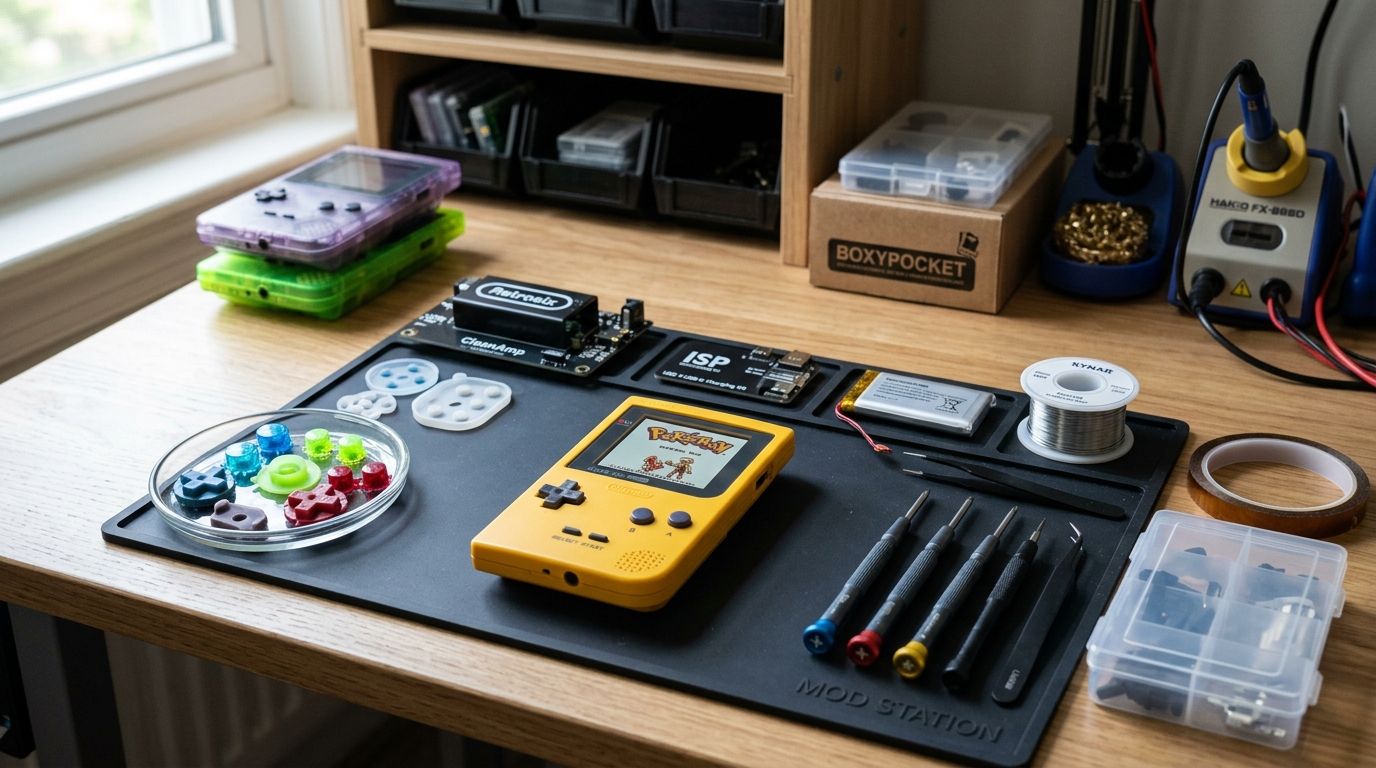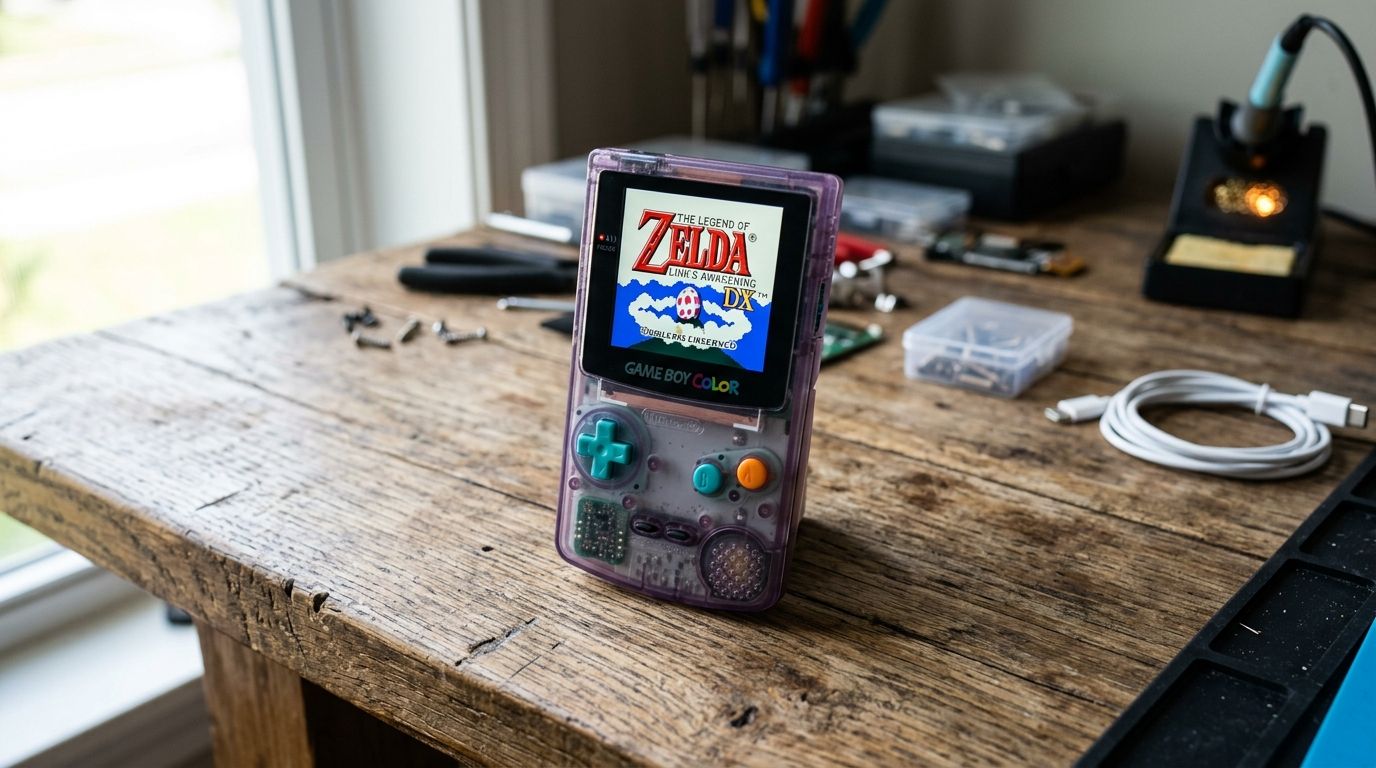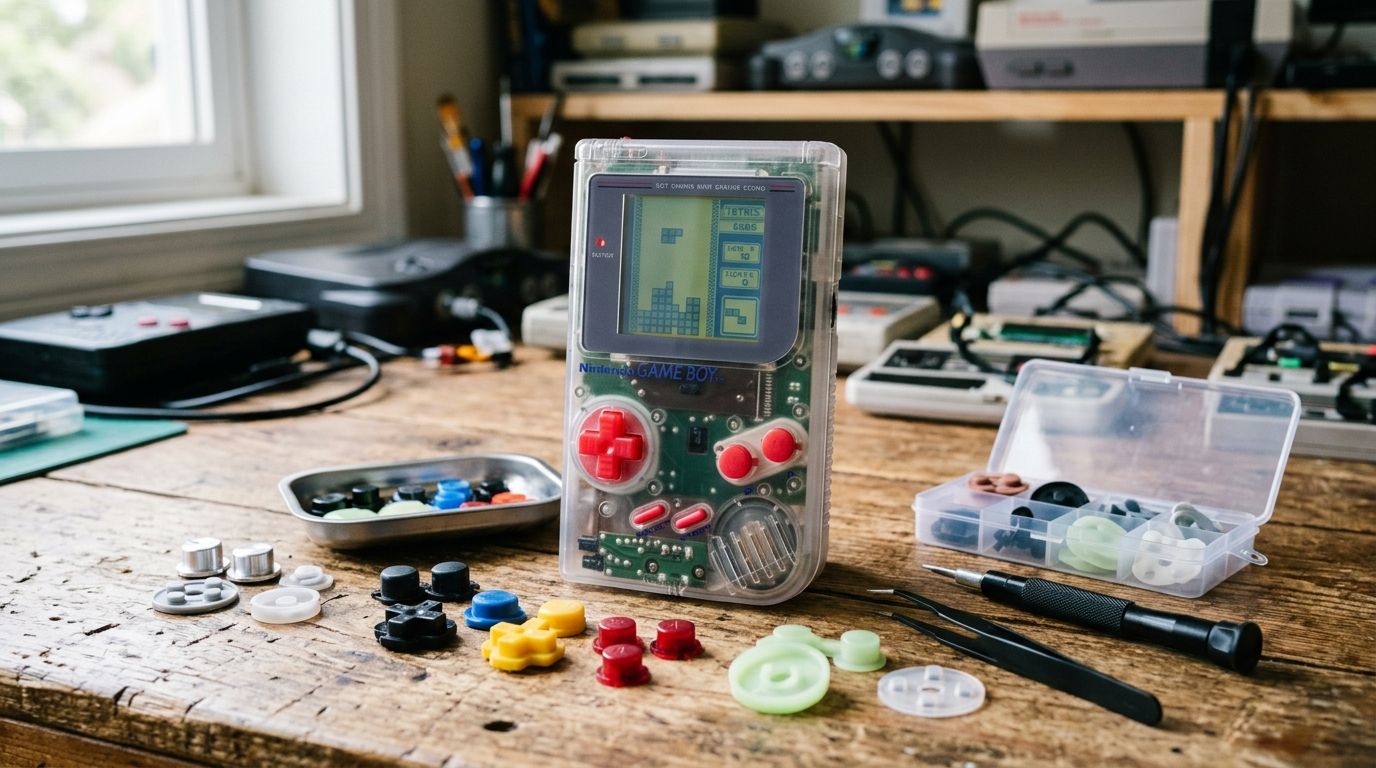
Picking a replacement button set for a Game Boy, Game Boy Color, or GBA build comes down to one question: do you want stock feel, a tactile upgrade, or a cosmetic match? This guide ranks the five kit types worth buying in 2026, based on fitment, tactile response, and what actually shows up in restoration builds shared across the retro modding community.
- RetroSix Clicky D-Pad & Button Set wins best overall for tactile game boy replacement buttons in 2026.
- Hispeedido's OEM-style rubber kit is the budget pick for stock-feel restoration builds.
- FunnyPlaying's concave button set suits competitive players who need faster, more precise inputs.
- Handheld Legend's colored button kits match shell builds for cosmetic and color-matched mods.
- A universal contact membrane kit fixes unresponsive buttons without a full teardown.
Why this matters
Original Game Boy and GBA buttons degrade after three decades: the silicone membranes flatten, the D-pad diagonals stop registering, and the ABS caps yellow or crack. A worn button set is the single most common reason a restored Game Boy mainboard still feels dead on arrival, even after a full board recap.
The fix is cheap compared to a board swap, but the kit you pick changes the feel of the whole build. A clicky aftermarket set plays nothing like a stock rubber membrane, and not every kit fits every shell revision (DMG, Pocket, Color, GBA, and SP all use different button geometries). Get this wrong and you're doing the teardown twice.
What makes the best game boy replacement buttons
- Tactile response — no mushy travel, consistent click or return pressure across all four face buttons
- Diagonal accuracy on the D-pad — the most common failure point on original membranes
- Material — silicone rubber, ABS plastic caps, or a hybrid contact membrane, each with a different feel and lifespan
- Shell-specific fitment — DMG and Pocket use different post spacing than GBA and SP
- Install method — drop-in fit with zero soldering versus kits that need contact-pad realignment
- Color and finish match — relevant for builds using custom or IPS-modded shells
Game boy replacement buttons at a glance
| Kit | Best for | Standout feature | Key limitation |
|---|---|---|---|
| RetroSix Clicky D-Pad & Button Set | Tactile responsiveness overall | Mechanical-style click on every press | Feel is a departure from stock, not everyone wants it |
| Hispeedido OEM-Style Rubber Kit | Stock-feel restoration | Closest match to original 1989-era membrane feel | Silicone still degrades over years of heavy use |
| FunnyPlaying Concave Button Set | Competitive fighting-game play | Concave caps reduce finger slip on rapid inputs | Concave shape feels unfamiliar to casual players |
| Handheld Legend Colored Button Kit | Cosmetic color-matched builds | Wide color range matched to shell and D-pad sets | Color accuracy varies by batch and vendor |
| Universal Contact Membrane Kit | Fixing unresponsive buttons without a teardown | Replaces only the failed contact layer | Doesn't help if the button caps themselves are cracked |
1. RetroSix Clicky D-Pad & Button Set: best game boy replacement buttons for tactile response
This is a mechanical-style button and D-pad set designed to replace the stock rubber membrane entirely, giving every press a defined click instead of a soft rubber return. It's built for players who want the input to feel closer to a modern controller than a 1990s handheld.
RetroSix pros:
- Consistent click across all face buttons, no dead zones
- D-pad diagonals register reliably, which fixes the most common Game Boy input complaint
- Drop-in fit for standard DMG and Pocket shells
RetroSix cons:
- The clicky feel is a real departure from stock — some purists won't like it
- Not a universal fit across every shell revision without checking compatibility first
Best for: builds where tactile feedback matters more than authenticity. Verdict: Buy.
2. Hispeedido OEM-Style Rubber Button Kit: best for stock-feel restoration
This kit reproduces the original silicone rubber membrane feel rather than replacing it with a clicky mechanism. It's the closest match to how a stock Game Boy played in 1989, which makes it the default pick for restoration builds where authenticity is the goal.
Hispeedido pros:
- Feels closest to unmodified stock hardware
- Straightforward drop-in replacement, no soldering
- Works well paired with a replacement mainboard on a full restoration build
Hispeedido cons:
- Silicone rubber still degrades over years of heavy play — it's not a permanent fix
- Less tactile feedback than a clicky aftermarket set
Best for: restoration builds that need to feel period-correct. Verdict: Buy.
3. FunnyPlaying Concave Button Set: best for competitive fighting-game play
The concave face buttons on this set are shaped to reduce finger slip during rapid, repeated inputs — the kind of play pattern you get in fighting games and rhythm titles on GBC and GBA homebrew. The shape is a deliberate departure from the flat OEM caps.
FunnyPlaying pros:
- Concave caps reduce slip during fast multi-button combos
- Available with a matching D-pad set for full input consistency
- Solid material feel, no wobble in the button housing
FunnyPlaying cons:
- The concave shape feels unfamiliar if you're used to flat OEM caps
- Color options are more limited than cosmetic-focused kits
Best for: players running fighting games or fast-input homebrew. Verdict: Buy.
4. Handheld Legend Colored Button Kit: best for cosmetic, color-matched builds
This kit exists for builds where the shell, D-pad, and button caps all need to match — a common requirement on custom or IPS-modded shells built around a GBA IPS screen kit. The color range is the reason to buy it, not the tactile feel.
Handheld Legend pros:
- Wide color selection to match custom shell builds
- Standard fitment across common shell colorways
- Easy to source alongside other cosmetic mod parts
Handheld Legend cons:
- Feel is closer to stock, not a tactile upgrade
- Color match accuracy can vary slightly by production batch
Best for: builds where the finished look matters as much as the feel. Verdict: Hold — buy only if the color match is confirmed for your specific shell.
5. Universal Contact Membrane Kit: best for fixing unresponsive buttons without a teardown
Sometimes the button caps are fine and the problem is the conductive contact layer underneath — the part that actually completes the circuit on the board. A universal contact membrane kit replaces just that layer, which is the cheapest and fastest fix when a board tests fine everywhere except one dead button.
Contact membrane pros:
- Fixes the single most common cause of unresponsive buttons on old boards
- No need to replace button caps that are still in good shape
- Fast install, no soldering
Contact membrane cons:
- Doesn't help if the caps themselves are cracked or the D-pad post is broken
- Not a fix for tactile feel — it restores function, not feel
Best for: a board that tests clean except for one or two dead inputs. Verdict: Buy if that's your specific failure mode, Skip otherwise.
“If the D-pad diagonal won't register on a board that otherwise tests clean, the membrane is dead, not the button.”
How this ranking works
Each kit above is scored against the six criteria listed earlier: tactile response, D-pad diagonal accuracy, material, shell fitment, install difficulty, and color/finish match. No single kit wins every category — that's why the list is built around use case, not a single leaderboard. A build that pairs new buttons with a rechargeable battery kit or an SP shell replacement has different priorities than a stock DMG restoration.
Sourcing parts for a full restoration build?
GBMake stocks mainboards, flash carts, and mod hardware for Game Boy and GBA builds.
Which game boy replacement buttons should you choose?
For most restoration builds in 2026, the Hispeedido OEM-style kit is the safe default — it matches stock feel and installs without drama. If tactile response matters more than authenticity, the RetroSix clicky set is the upgrade pick. If your board tests clean except for one dead button, skip a full kit and go straight to the contact membrane fix — it's the faster, cheaper repair for that specific problem.
FAQ
What's the best game boy replacement buttons kit in 2026?
The RetroSix Clicky D-Pad & Button Set is the best overall pick for tactile feel, while the Hispeedido OEM-style kit is the better choice if you want stock-accurate feel for a restoration build.
Are silicone buttons better than a rubber membrane pad?
Silicone aftermarket buttons generally hold their shape longer than a 30-year-old original rubber membrane, but both materials degrade eventually under heavy play.
Do replacement buttons require soldering?
No. Standard button and D-pad kits are drop-in replacements that sit under the shell against the board's contact pads, with zero soldering required.
Can GBA SP buttons be replaced without swapping the whole shell?
Yes, SP-specific button kits fit the stock shell, though if the shell itself is cracked or yellowed, pairing the button swap with an SP shell replacement makes more sense.
What causes mushy or unresponsive Game Boy buttons?
The most common cause is a degraded conductive contact layer on the rubber membrane, not the button cap itself. A universal contact membrane kit fixes this without replacing the caps.
Is RetroSix better than Hispeedido for Game Boy buttons?
Neither is universally better — RetroSix wins on tactile click feel, Hispeedido wins on matching the original stock feel. The right pick depends on whether you want an upgrade or a faithful restoration.
Do colored button kits fit every Game Boy model?
No. Button post spacing differs between DMG, Pocket, Color, GBA, and SP shells, so a colored kit needs to match your specific shell revision, not just the color you want.
One last thing
The D-pad diagonal is almost always the first input to fail on an original Game Boy, long before any of the four face buttons go — if your board registers up, down, left, and right cleanly but drops diagonals, that's a contact membrane problem, not a reason to buy a full clicky kit. Test that specific failure mode before spending on an upgrade set you don't need.