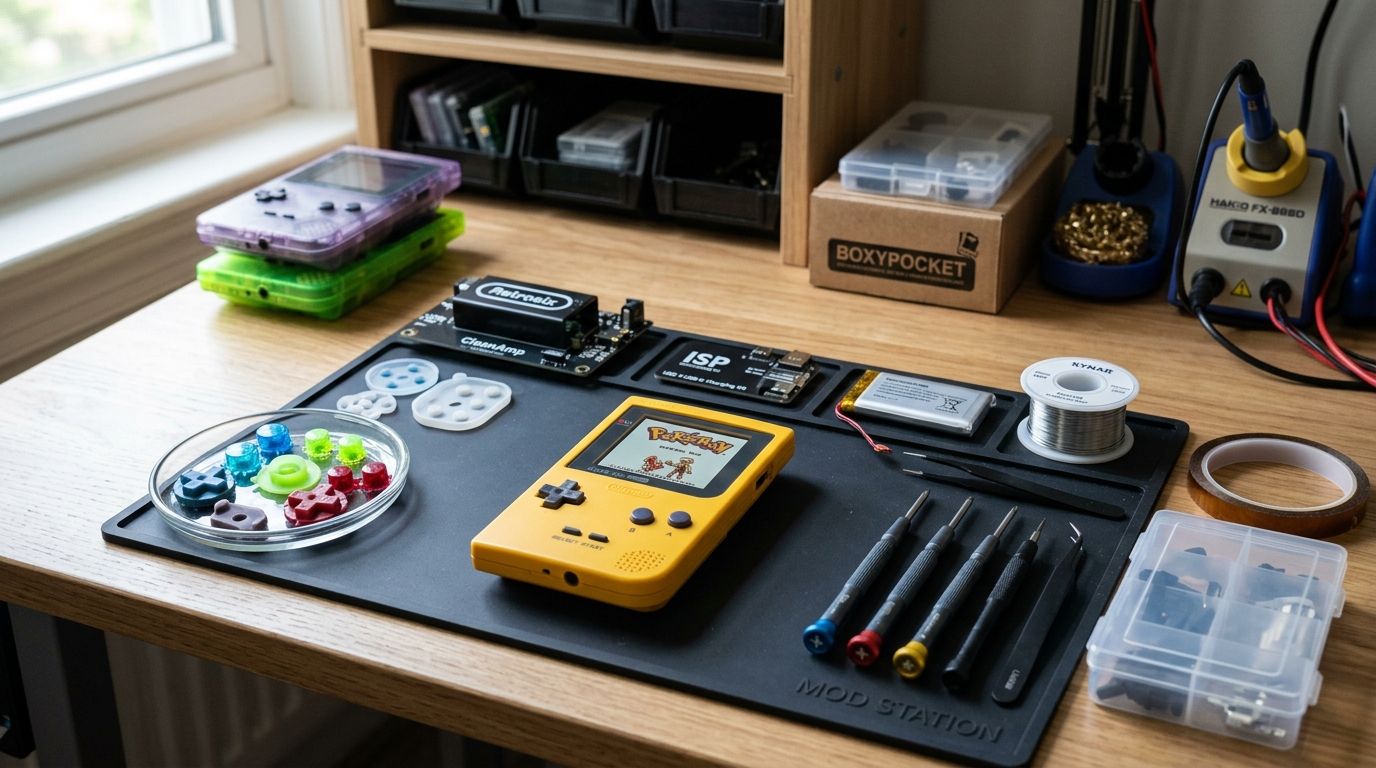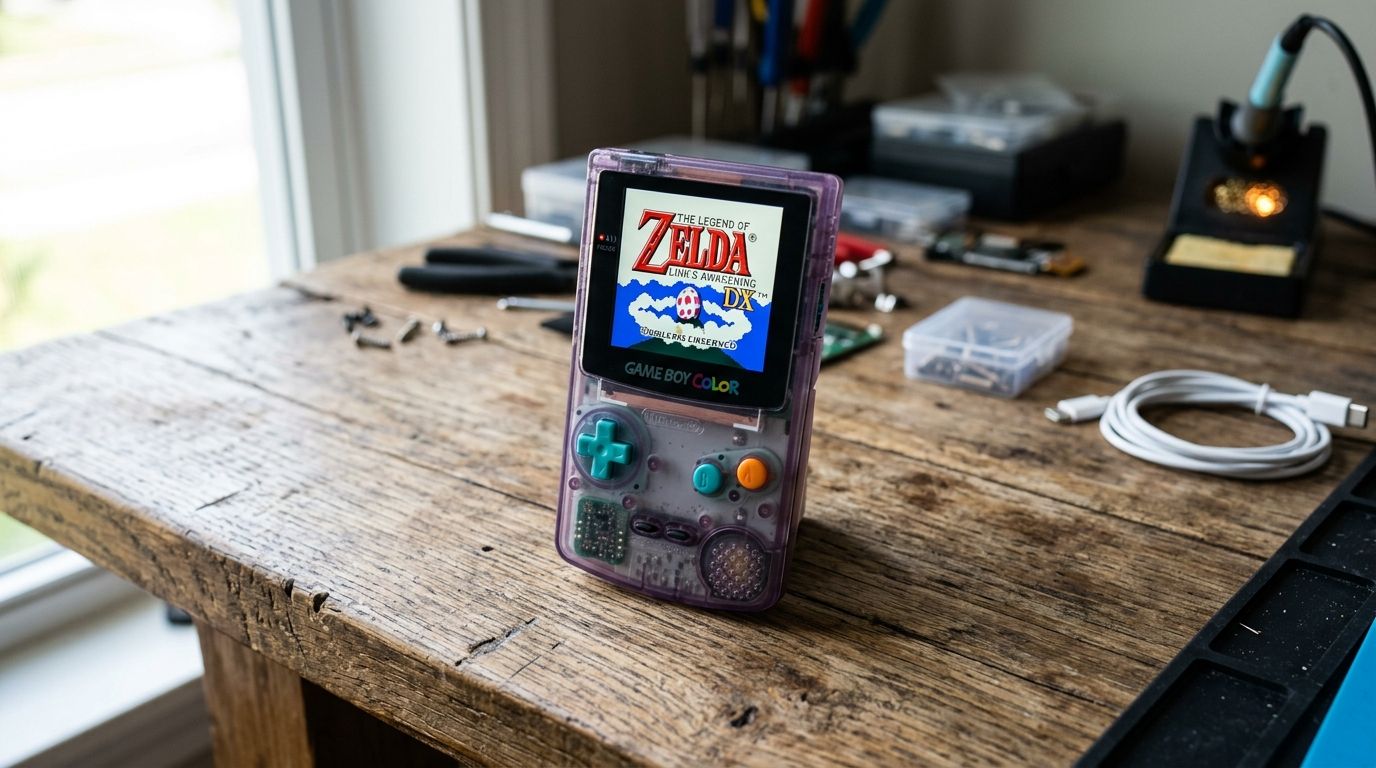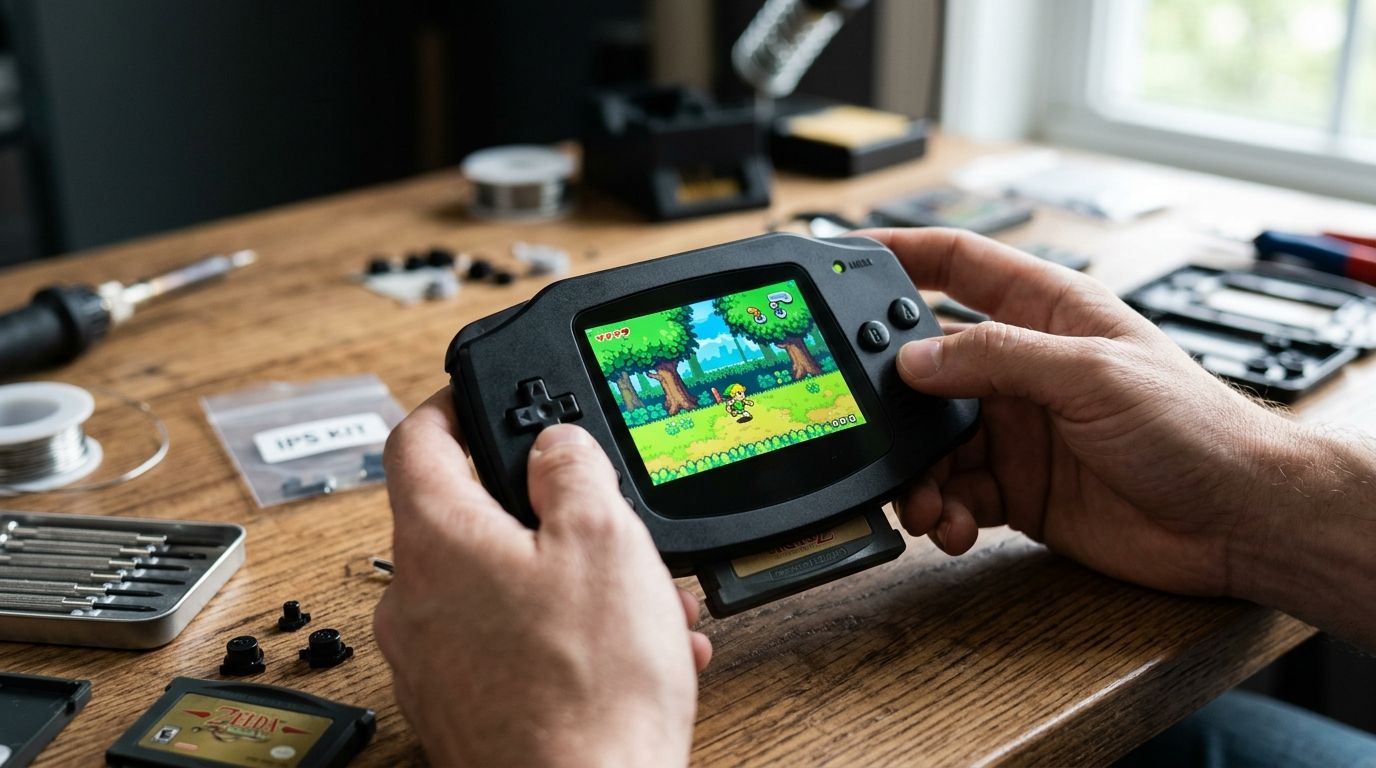
Funnyplaying IPS V2 wins as the best overall ips screen gba kit for 2026, RetroSix MMSM wins for switchable backlight modes, and Hispeedido's kit wins on budget. Every GBA IPS screen kit on this list drops into an unmodified AGB-001 shell without cutting plastic, and none require you to send your console anywhere.
- Funnyplaying IPS V2 is the best ips screen gba kit overall in 2026 for zero-soldering installs.
- RetroSix MMSM wins when you want to switch between grid, sub, and full IPS display modes.
- Hispeedido's kit is the budget pick but has thinner instructions and less consistent QC.
- Generic clone IPS kits undercut all three but demand soldering skill and patience.
- GBMake carries flash carts and modding accessories that pair with any IPS install.
Why this matters
The original GBA screen is reflective and needs external light to see anything. An IPS screen gba mod fixes that with a backlit, high-contrast panel that reads in a dark room, and by 2026 the install has gone from a soldering job to a snap-in ribbon connector on most kits.
The catch: not every kit fits every GBA shell revision, and cheap panels ship with color banding or backlight bleed that a spec sheet won't tell you about. Picking the right kit up front saves a $20-40 panel from becoming e-waste.
What makes the best GBA IPS screen kit
- Drop-in fit — no shell cutting, no filing plastic, ribbon connects to the stock GBA board
- Brightness control — a physical or button-mapped way to adjust backlight level
- Color accuracy — minimal tint shift compared to a reference IPS panel
- Install documentation — clear photos or video, not a single blurry PDF
- Community support — an active Discord or forum where install issues get answered fast
- Failure rate — how often units arrive dead or die within the first month, based on aggregated modder reports
GBA IPS screen kits at a glance
| Kit | Best for | Standout feature | Key limitation |
|---|---|---|---|
| Funnyplaying IPS V2 | Overall / first-time modders | Zero-soldering ribbon install | Backlight brightness is fixed, no on-the-fly dimming |
| RetroSix MMSM | Switching between screen modes | Toggles grid/sub/full IPS live | Slightly thicker than a standard IPS swap |
| Hispeedido IPS kit | Budget buyers who still want a kit | Lowest cost of the packaged options | QC is inconsistent between batches |
| Generic clone IPS kits | Soldering-comfortable modders on tight budgets | Cheapest per-unit price on the market | No brand support, documentation varies wildly |
1. Funnyplaying IPS V2: best GBA IPS screen kit for zero-soldering installs
Funnyplaying's IPS V2 is the panel most modding guides default to in 2026 because the ribbon cable snaps onto the stock GBA motherboard without a soldering iron. The kit ships with the mounting bracket and lens pre-fitted, so the install is closer to a phone screen swap than a hardware mod.
Funnyplaying IPS V2 pros:
- No soldering required for the base install
- Wide aftermarket support — most shell and button kits are designed around its dimensions
- Consistent color reproduction across units reported by the modding community
Funnyplaying IPS V2 cons:
- Backlight brightness is set at install, not adjustable after the fact without extra hardware
- Slightly reflective lens compared to matte alternatives
Funnyplaying IPS V2 pricing: check current pricing directly with the seller since it varies by region and batch.
Best for: modders doing their first IPS screen gba install who want the shortest path to a working screen. Verdict: Buy.
2. RetroSix MMSM: best GBA IPS screen kit for switching display modes
The RetroSix Multi Mode Screen Mod is built for people who want the option to flip between the flat IPS look, a grid-line filter that mimics the original LCD's pixel grid, and a sub-pixel mode for certain art styles. It's the only kit on this list that treats "which mode looks right" as a per-game decision instead of a fixed choice.
RetroSix MMSM pros:
- Live-switchable display modes without reopening the shell
- Backed by an active support community for install troubleshooting
- Fits the same shell footprint as other IPS kits with no extra cutting
RetroSix MMSM cons:
- Adds a hair more thickness to the shell than a single-mode IPS panel
- Extra mode-switching circuitry means one more thing that can fail
RetroSix MMSM pricing: confirm current pricing on the retailer's page before ordering.
Best for: modders who play games designed around the original GBA's pixel grid and don't want to commit to one look. Verdict: Buy.
3. Hispeedido IPS kit: best budget GBA IPS screen kit
Hispeedido's kit undercuts the two above on cost while still shipping as a packaged, documented product rather than a bare panel. It's a reasonable entry point if you're modding a single console and don't want to source parts separately.
Hispeedido IPS kit pros:
- Lower cost than the name-brand alternatives
- Comes as a complete kit — panel, bracket, and ribbon in one box
- Widely available through multiple retailers
Hispeedido IPS kit cons:
- Batch-to-batch quality control is inconsistent, per aggregated modder reports
- Instructions are thinner than Funnyplaying's or RetroSix's
- Color accuracy varies more unit to unit
Hispeedido IPS kit pricing: pricing shifts often — check the listing directly rather than relying on a cached number.
Best for: budget-conscious modders willing to accept some inconsistency for a lower price. Verdict: Hold — fine if the batch reviews look clean at time of purchase, skip if recent buyers report dead units.
4. Generic clone IPS kits: best GBA IPS screen kit for soldering-comfortable modders
Unbranded IPS panels sold under rotating seller names are the cheapest way into an IPS screen gba mod, but they come without a support channel and often without a proper bracket. You're on your own for fitment troubleshooting.
Generic clone IPS kits pros:
- Lowest per-unit cost on the market
- Widely available across marketplaces
Generic clone IPS kits cons:
- No brand accountability if a panel arrives dead
- Documentation ranges from thin to nonexistent
- Often requires soldering skill the packaged kits don't
Generic clone IPS kits pricing: varies by seller and changes frequently — treat any listed number as temporary.
Best for: experienced modders who've already done a soldered install and want the cheapest panel available. Verdict: Wait unless you've confirmed a specific seller's recent batch quality.
How we ranked these GBA IPS screen kits
Each kit was weighed against the six criteria above: drop-in fit, brightness control, color accuracy, documentation, community support, and reported failure rate. Funnyplaying and RetroSix both cleared every criterion; Hispeedido and the clone kits traded consistency for lower cost.
“A GBA IPS screen kit is only as good as its documentation — the panel rarely fails, the install usually does.”
Which GBA IPS screen kit should you choose?
If this is your first IPS mod, Funnyplaying IPS V2 is the safest buy — the install is closer to a snap-fit than a repair. If you're chasing the original pixel-grid look on certain titles, RetroSix MMSM earns the extra cost. Everyone else on a budget should check current Hispeedido batch reviews before ordering, and skip generic clones unless you already know how to solder.
Once the screen is in, most modders move on to the cartridge side of the build. Flash carts, shells, and buttons all need to be sourced somewhere, and GBMake's flash cart roundup covers the seven options worth considering for homebrew and retro play in 2026.
Sourcing parts for your GBA mod?
Browse GBMake's cartridges, flash burners, and modding accessories.
FAQ
What's the best IPS screen gba kit in 2026?
Funnyplaying IPS V2 is the best overall pick for 2026 because it installs without soldering and fits the stock AGB-001 shell. RetroSix MMSM is the better choice if you want switchable display modes.
Is RetroSix MMSM better than Funnyplaying IPS V2?
MMSM adds live-switchable screen modes that Funnyplaying's panel doesn't offer, but it's marginally thicker inside the shell. Choose MMSM only if mode-switching matters to how you play.
Do IPS screen kits require soldering?
Funnyplaying, RetroSix, and Hispeedido kits all use ribbon connectors that snap onto the stock GBA board with no soldering. Generic clone kits often require soldering skill because they skip the packaged bracket and connector.
How much does a GBA IPS screen kit cost?
Pricing shifts by seller and batch, so check the current listing directly rather than a cached figure. Packaged kits from Funnyplaying and RetroSix cost more than Hispeedido or generic clones because of documentation and support.
Will an IPS screen kit fit any GBA shell?
All four kits on this list are built for the stock AGB-001 shell without cutting plastic. Aftermarket or oversized shells should be checked against the specific kit's bracket dimensions before ordering.
What's the most common failure with a GBA IPS mod?
Most reported failures trace back to a loose ribbon connection rather than a dead panel. Following the kit's specific documentation, not a generic tutorial, avoids most of these issues.
Can I switch back to the original GBA screen after an IPS mod?
Yes, the ribbon-based kits don't require permanent modification to the shell or board, so the stock screen can be reinstalled. Generic clone kits that involve soldering make reversal harder.
One last thing
The single biggest driver of a bad IPS screen gba install isn't the panel, it's skipping kit-specific documentation in favor of a generic YouTube tutorial made for a different brand's bracket. Match the guide to the exact kit you bought before you touch a ribbon cable.